Microsoft finally has native, real Linux containers on Windows
During the conference Microsoft Build 2026, held in early June, a structural transformation in the development environment was announced by integrating Linux containers natively into the Windows operating system through the Windows Subsystem for Linux (WSL).
This new technical capability, structured around the command-line tool wslc.exe and the WSL (Windows Subsystem Linux) container API, allows isolated environments to be run directly and without relying on third-party software.
Microsoft's announcement responds to the growing need to optimize local workflows for engineers developing complex software solutions, artificial intelligence and digital asset platforms. With this move, Windows aims to consolidate itself as the preferred desktop interface, delegating the role of internal execution engine to Linux. But Microsoft may be arriving very late to this sector.
Evolution of isolation environments: from FreeBSD Jails to Docker and Podman
Before delving into containers and how they work, let's learn a little about their original foundations. First, containerization (creating an isolated working environment for applications) at the operating system level has a history spanning several decades before the popularization of modern microservices architectures.
In 2000, FreeBSD 4.0 introduced the concept of FreeBSD Jails, a framework designed by Poul-Henning Kamp to unify security and administration in shared environments. Jails made it possible to divide a single system into multiple independent environments, each with its own directory tree, assigned IP address and limited process space. This milestone surpassed the shortcomings of the traditional chroot command (a very basic form of isolation), establishing a robust kernel-level containment standard that shared the machine's resources without the overhead of a hypervisor.
Poul-Henning Kamp, creator of FreeBSD Jails
Basically, with this Kamp managed to make a FreeBSD system able to run different applications in fully isolated spaces, so that whatever happened in the Jail would not affect the base system on which they ran. Picture it as having a huge warehouse with hundreds of production lines, each with its own processes. If one line goes down, the rest keep running as if nothing happened. Well, this is what FreeBSD Jails did, but at the computing level.
Improving the system
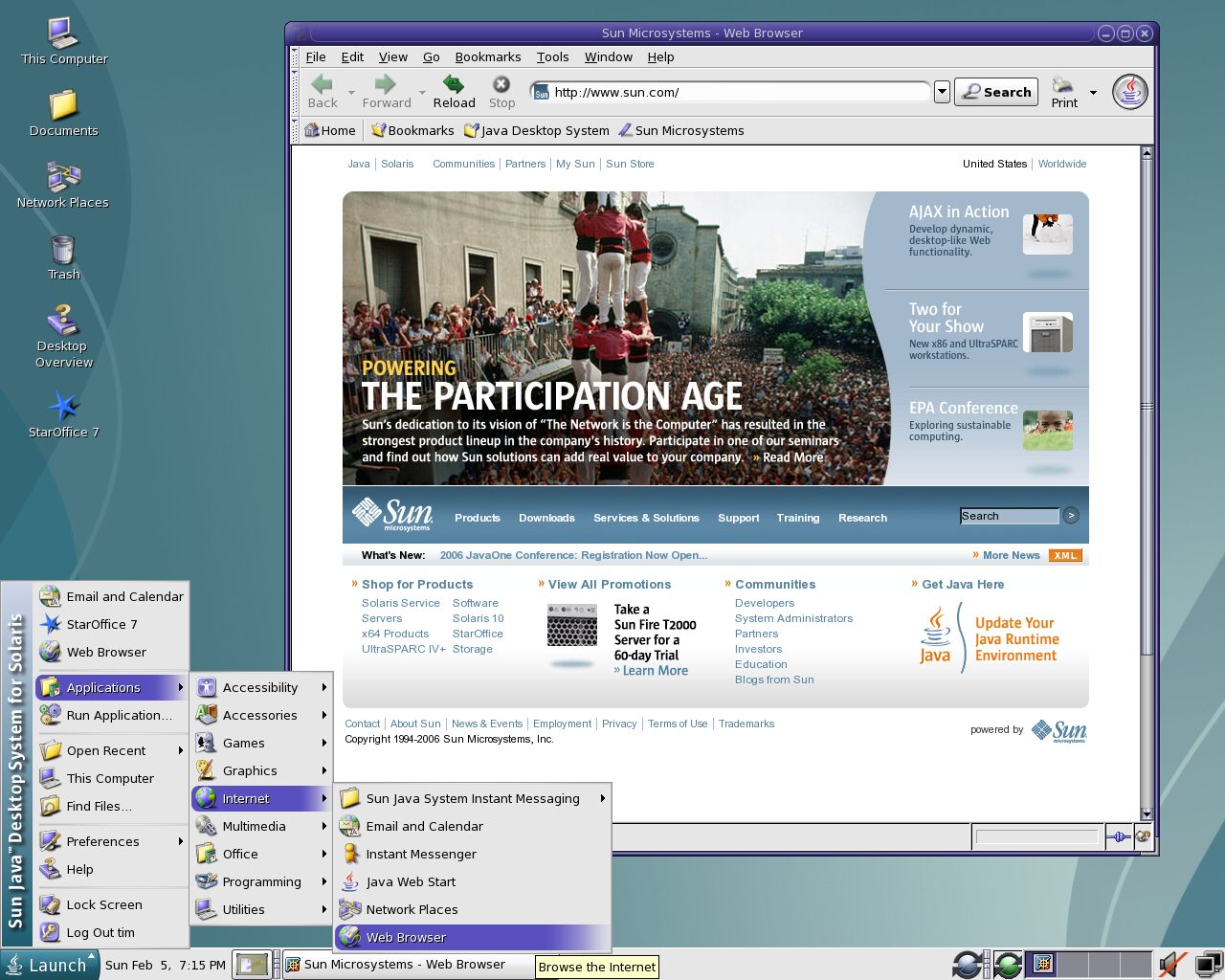
Later, in 2004, the now-defunct Sun Microsystems launched Solaris Zones as a fundamental part of the Solaris 10 operating system. This architecture made it possible to subdivide the operating system into thousands of logical virtual servers called non-global zones, with minimal memory and processing consumption.
Administrators could choose to configure "Sparse Root Zones" to share essential system binaries in read-only mode or "Whole Root Zones" to have complete, dedicated copies of the file system. The combination of these zones with the ZFS file system (the highest standard for enterprise-level data storage) enabled almost instantaneous cloning of runtime environments from previous snapshots, laying the foundations for the agility that characterizes cloud deployment today.
Flexibility above all
Picture it this way. You have a Solaris server with an important banking database, which you must protect critically and which is using Zones. Solaris made this easy by using ZFS and Zones. ZFS took care of ensuring that data was never lost, since this system is fault-tolerant, has self-healing capability, live duplication, high performance thanks to multiple disk arrays (known as RAIDZ), snapshot backup and rollback capabilities (if something goes wrong or you deleted something you shouldn't have, a single command and everything returns to its place).
But the integration with Zones was such that you could generate an identical copy of that database instantly, run tests on the duplicate, and the original database kept running as if nothing happened. If in the end your duplicate finished the tests or updates correctly, you only had to swap them live, and you kept working as if nothing happened. High availability at its finest, and all of this when Linux was practically an operating system in its "childhood."
Solaris 10, a top-tier Workstation and Server system
The arrival to Linux
Of course, the maturation of these technologies converged in the Linux ecosystem through the incorporation of namespaces and control groups (cgroups) in kernel version 2.6.24 in 2008.
Although Linux Containers (LXC) technology began using these primitives, it was the appearance of Docker in 2013 that definitively democratized containerization. Docker did not invent kernel isolation, but it introduced a standardized layered image format, a simplified syntax through Dockerfiles and a public registry to facilitate global distribution.
Today, alternatives such as Podman have evolved this model by offering daemonless architectures and native compatibility with the standards of the Open Container Initiative (OCI), increasing overall security in system orchestration. And the potential of this technology is enormous, since most of today's internet operations rest on it, including this website.
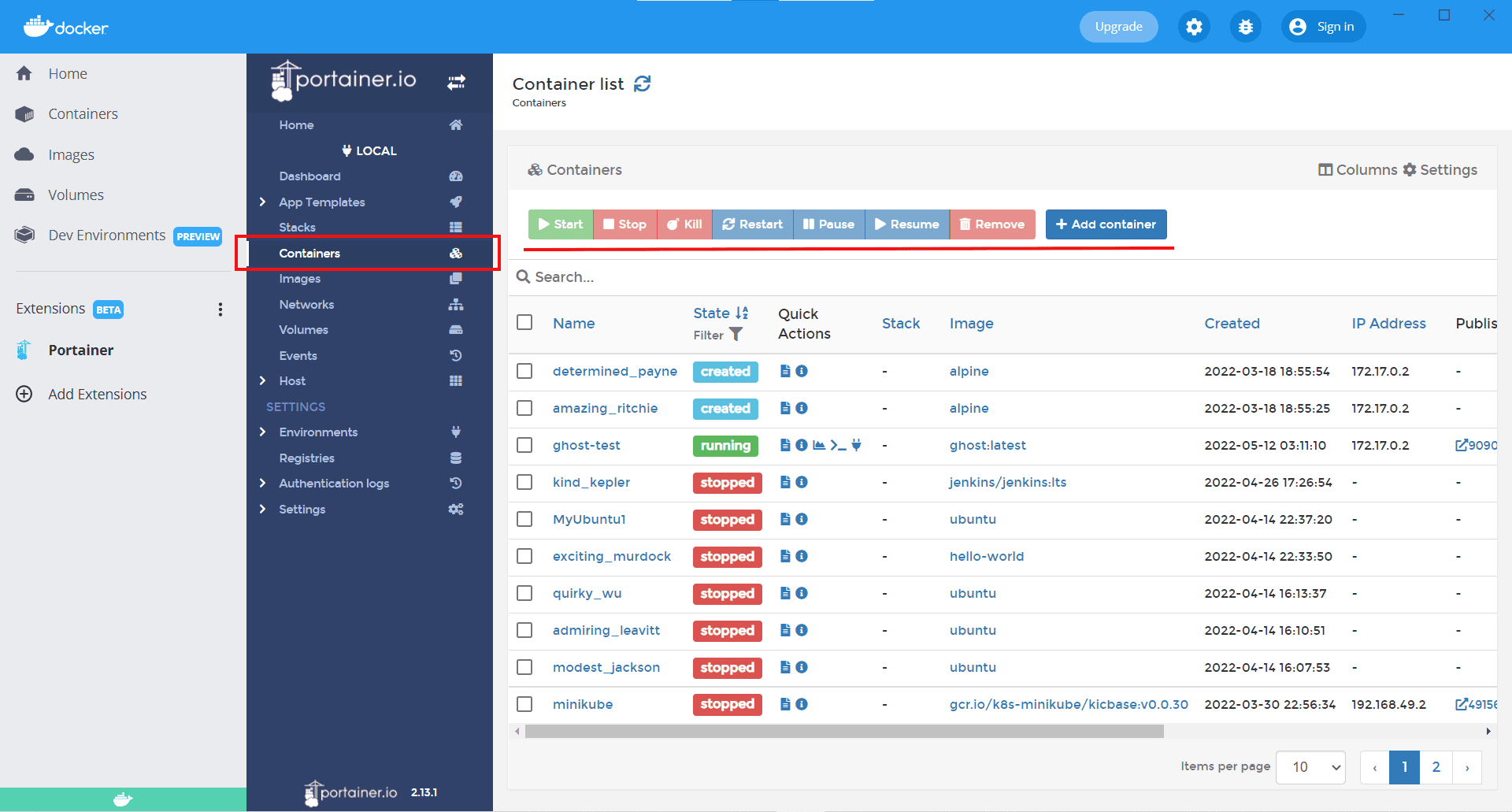
A look at Portainer, one of Docker's best-known control interfaces
The role of containers in crypto infrastructure
Now then what role does this technology play in the crypto sector? In the context of infrastructure development for cryptoassets and distributed ledger applications, containerization has established itself as a technical standard of mandatory adoption.
After all, the decentralized nature of blockchain networks requires validator nodes, execution clients and custody platforms to operate under a principle of absolute determinism.
After all, small variations in the versions of the libraries of a node's underlying operating system can alter the result of transaction processing, causing an unwanted network fork or critical failures in token state synchronization. The use of containers eliminates this variability by packaging the execution client with all its exact dependencies into an immutable unit.
Efficiency, speed and security
The efficiency in hardware resource consumption offered by containers allows organizations to optimize costs by running multiple validator nodes within the same physical or virtual cluster. By sharing the host operating system kernel instead of duplicating it as happens with conventional virtual machines, massive deployment and node startup in seconds are achieved.
This agility facilitates the management of test networks and local development environments identical to cloud production environments. In the corporate sphere, platforms such as Oracle Blockchain Platform Enterprise Edition, are based on this packaged distribution model to guarantee rapid deployments in Kubernetes containers and protect complex operations with real-world asset (RWA) tokens.
In addition to operational consistency, logical security represents an absolute priority when deploying nodes dedicated to handling digital assets. Containerization provides isolated environments that reduce the blast radius of potential cybersecurity vulnerabilities, preventing an exploit in a network client from compromising the entire host.
For this reason, system administrators apply strict network segmentation policies and firewalls within orchestration environments such as Kubernetes to mitigate the risks associated with communication between containers. In this way, the protection of cryptographic keys and transaction signing APIs are isolated from the software layers directly exposed to the public network.
The development ecosystem on Windows: WSL Containers, CLI and integration API
Now then, Microsoft's recent announcement at the Build 2026 conference introduces a native container solution on Windows, responding directly to demands for simplifying software engineers' workflows.
Until now, developing with Linux containers on Windows required heavy external tools that added operational complexity, corporate licensing costs and a lack of visibility for technology administrators. But the implementation of WSL containers offers infrastructure integrated within WSL to create, run and interact with Linux containers natively.
Responding to the competition
And here is something important to highlight: Microsoft is responding to a clear shortfall compared with Linux, one that is pushing that system out of large development companies. In fact, the new CLI interface, run through the wslc.exe binary, integrates directly into the Windows command console or PowerShell, offering a familiar and intuitive syntax for developers.
This facilitates common tasks such as downloading containers, initializing servers and managing application lifecycles without additional translation layers. For its part, the WSL container API, which will be distributed through a NuGetpackage, allows native Windows applications to interact with and orchestrate Linux containers through programmatic code. This API supports key operations such as standard input and output redirection (stdin and stdout), file system mounts, network configurations and direct access to the device's GPU.
This technical integration effort is complemented by the general availability of the native Coreutils for Windowsutilities, to the great delight of developers. Now, classic Linux tools such as cat, grep and find work natively on Windows thanks to an official package maintained and installable through WinGet.
By combining these utilities with high-performance workstations such as the Surface RTX Spark Dev Box, presented two days ago, configured with WSL 2 and CUDA support for advanced AI, developers have an ecosystem that reduces technical downtime due to environment translation to zero.