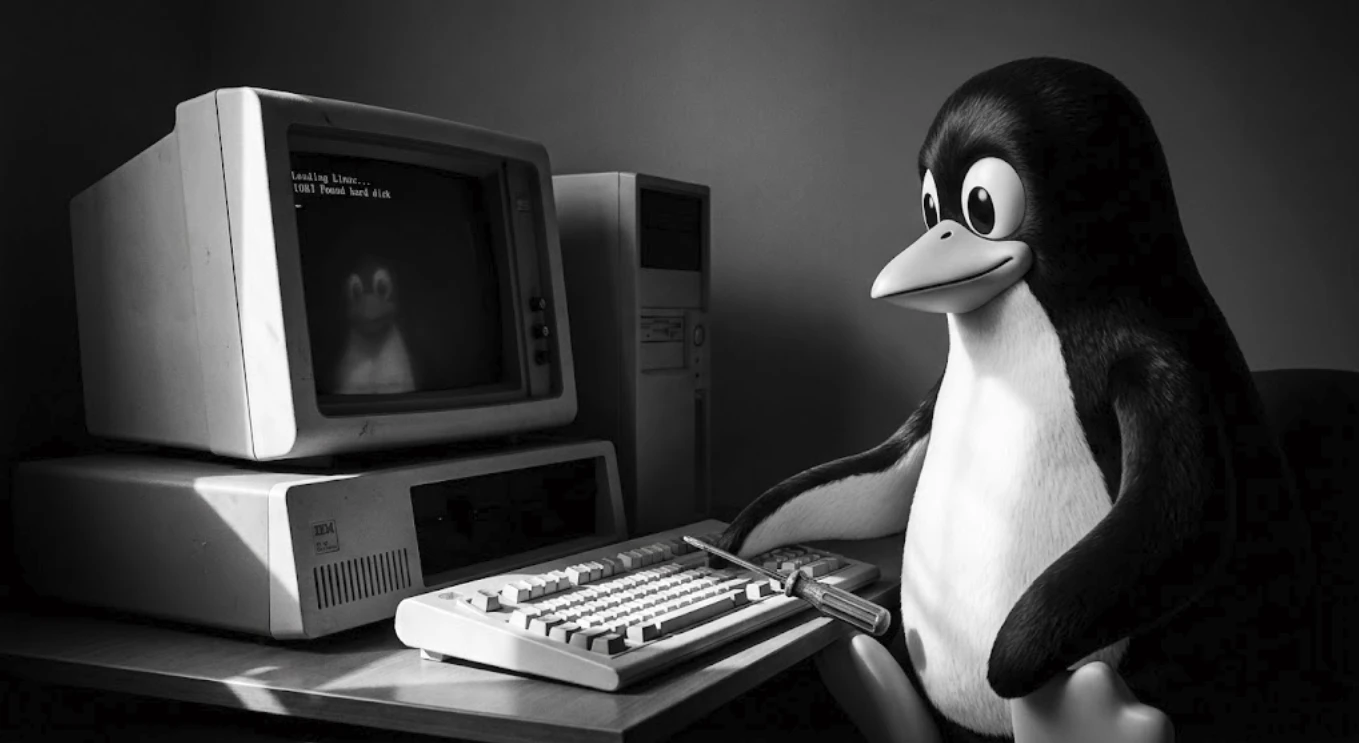
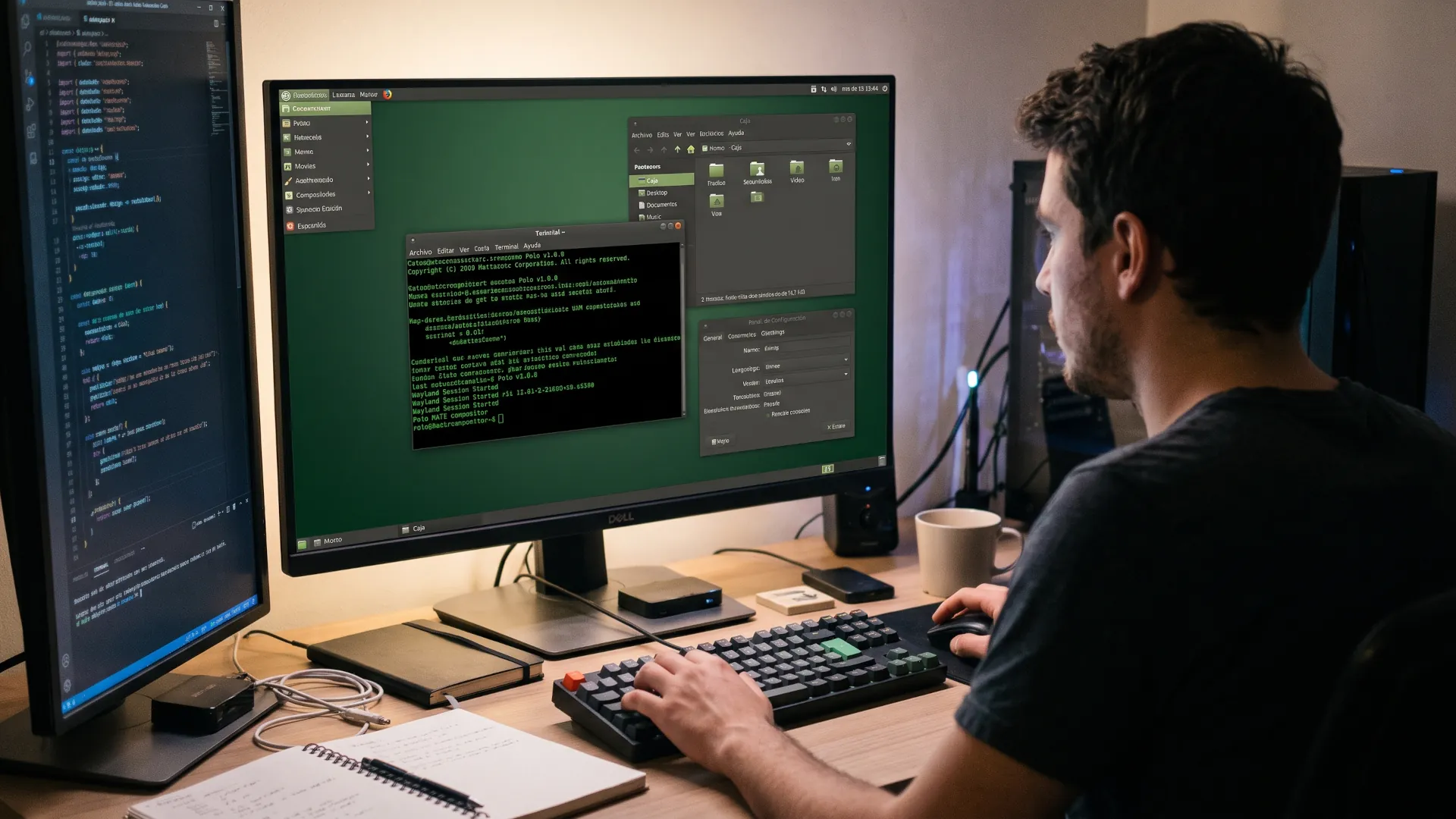
Why does a small distro save PCs that seemed obsolete?
The real problem with an old PC is rarely the processor; it is the system inside it. Windows 11 or a conventional Ubuntu are systems that demand at least 8 GB of RAM to run smoothly, no matter how much lower the developers set the requirement. For that reason, trying to run them on a machine with 1 or 2 GB of RAM only produces slowness, excessive noise and a battery drained in minutes. Basically, the machine becomes a paperweight nostalgic for better times.
But this is a situation with a solution, and that solution lies in ultra-light distros. Instead of overloading the system, these Linux distros bring just what is necessary. No magic, only discipline: lightweight desktops, zero unnecessary background processes and optimized software that does its job without wasting resources. All to revive that old machine you have at home gathering dust.
5 cybersecurity tools on Linux you should master
Three families to choose from
There are at least three well-defined approaches at this point. The desktop revivalapproach, which aims to get you working from the first minute, with alternatives such as Puppy, Slax or Porteus. The container and serverapproach, led by Alpine, which bets on maximum security and a minimal size for production environments. And the laboratoryapproach, represented by Tiny Core, which acts as a modular kit to build a system from scratch. Confusing these families only breeds frustration; so it is worth being clear about the goal before downloading anything.
If your goal is to revive an old PC with a Core 2 Duo or Celeron processor and a mechanical disk, desktop revival is for you. If you prefer to learn how Linux works inside or build a distribution to your measure, Alpine and Tiny Core make much more sense.
The key to not failing is to test in live mode (Live USB). All the distros on this list boot from a pendrive without touching the hard disk. That way you can check whether the Wi-Fi works, whether the sound responds and whether the machine breathes again, all with zero risk.
What do you need before you start?
To try this you do not need a laboratory: a USB drive of at least 4 GB and a Ventoy installation is more than enough. Although 2 GB is enough to try distributions such as Puppy or Slax, using a 4 or 8 GB pendrive will give you enough space to save your files. For options such as Void or Alpine, 8 GB is ideal.
Before you start, back up your data, both from the machine and from the USB drive you are going to use. Although live mode does not delete anything, saving your photos and important documents in a safe place is a basic precaution.
The next step is to access the boot menu. When you turn on the machine, repeatedly press the corresponding key (usually F12, F9, ESC or F2, depending on the brand) to select booting from the USB drive. If the option does not appear, enter the BIOS/UEFI and enable USB boot. You will not touch or modify the internal disk unless you decide to install the system.
From here on, you only need some time and curiosity. Each distribution has its own personality, so spend at least 30 minutes trying each one to assess how the machine responds. That hands-on experience is worth more than any comparison table.
Finally, it is worth checking two key aspects of the machine: the available RAM and whether it uses legacy BIOS or UEFI. With 512 MB you can run Tiny Core or the 32-bit versions of Puppy; with 1 GB they all run smoothly, and with 2 GB any of them will run like a charm. If the machine was manufactured before 2010, opting for a 32-bit version will save you many compatibility headaches.
Quick comparison so you do not get lost
| Distro |
ISO size |
Real minimum RAM |
Difficulty |
Ideal for |
| Puppy Linux (TrixiePup/F96-CE) |
~400-500 MB |
300 MB (32-bit) / 600 MB (64-bit), 1 GB recommended |
Very easy |
Use right away, no setup, everything included |
| Slax (Slackware) |
~200-265 MB |
256 MB minimum, 512 MB comfortable |
Easy |
Carry in your pocket and use on any PC |
| Void Linux (base / Xfce) |
~400-700 MB installer |
520 MB RAM, 700 MB disk according to official docs |
Medium |
Full lightweight desktop and stable rolling release |
| Alpine Linux (Standard) |
~240 MB ISO, 5-8 MB base |
100 MB cli, 256 MB with lightweight desktop |
Medium-high |
Security, learning, minimal custom system |
| Tiny Core Linux |
16 MB graphical (24 MB Pure64), 253 MB CorePlus |
48 MB can boot, 1 GB to browse comfortably |
Advanced |
Minimal kit, build your system piece by piece |
With that picture, let us go distro by distro, from the friendliest to the most demanding.
This is Hegotá, Ethereum's big upgrade for the post-quantum era
Puppy Linux, the one that works almost without asking for anything
Puppy is the great veteran of the featherweights. It was born in 2003 at the hands of Barry Kauler and today it is a whole family of systems designed under the same philosophy: boot instantly, run directly from RAM and offer everything needed to work from the first second.
Its great advantage lies in the architecture: on startup, the system loads entirely into RAM. This makes it ultra-fast, even on slow mechanical disks, and allows you to remove the USB drive once booting is complete. According to its documentation, it needs about 300 MB of RAM in 32-bit versions and around 600 MB in 64-bit ones to achieve this performance. With 1 GB of RAM, the machine moves with total comfort for browsing and working with office suites.
Where to get it. The reference portals are the official page of Puppy Linux Home and the Puppy Linux Distro Collection section within its community forum. Currently, the two most recommended editions are TrixiePup64 (based on Debian's development branch) and the popular F96-CE (based on the Ubuntu LTS version). Both offer stable, ready-to-use environments, depending on whether you prefer the Debian or the Ubuntu ecosystem.
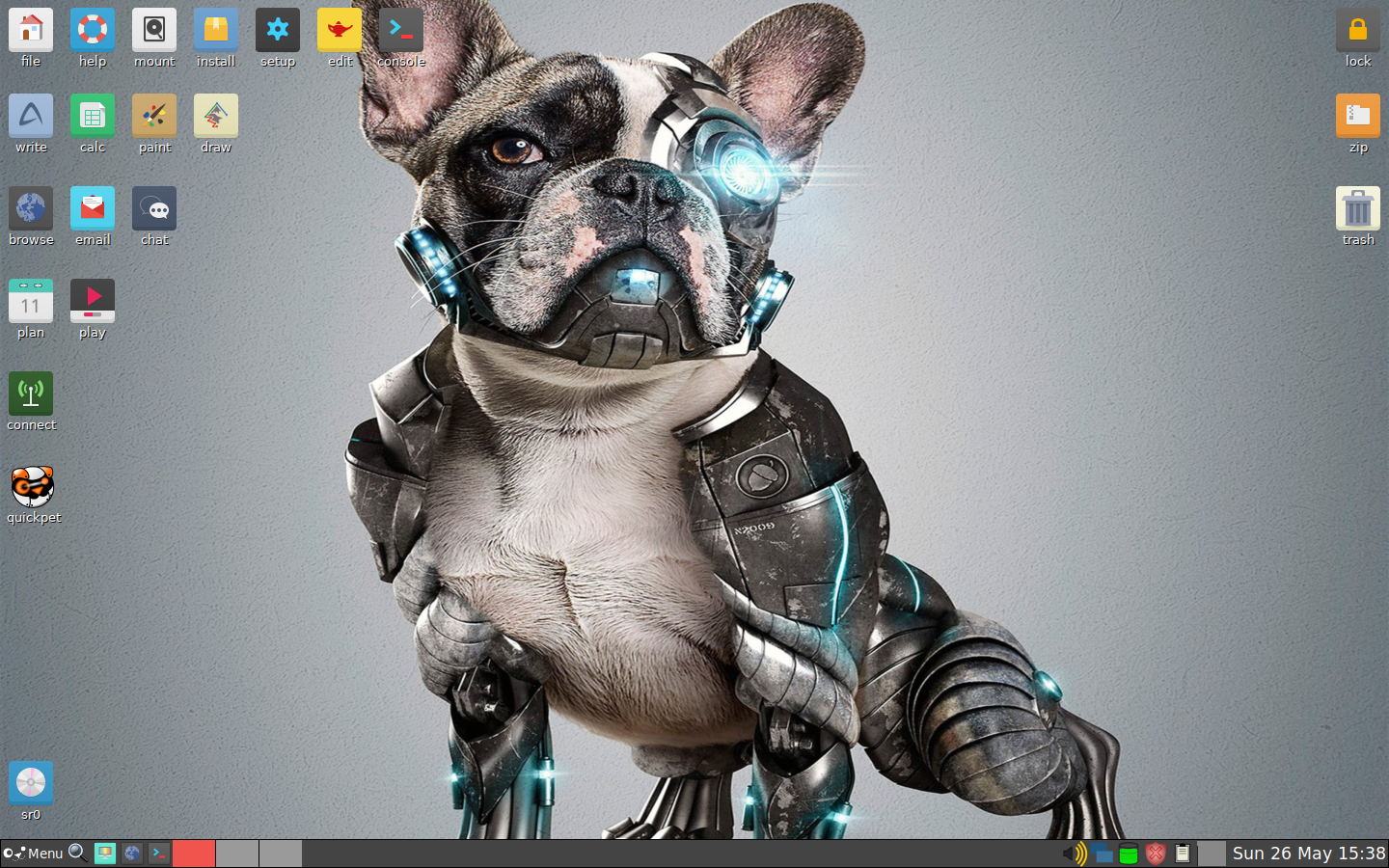
Slax, the pocket one you take anywhere
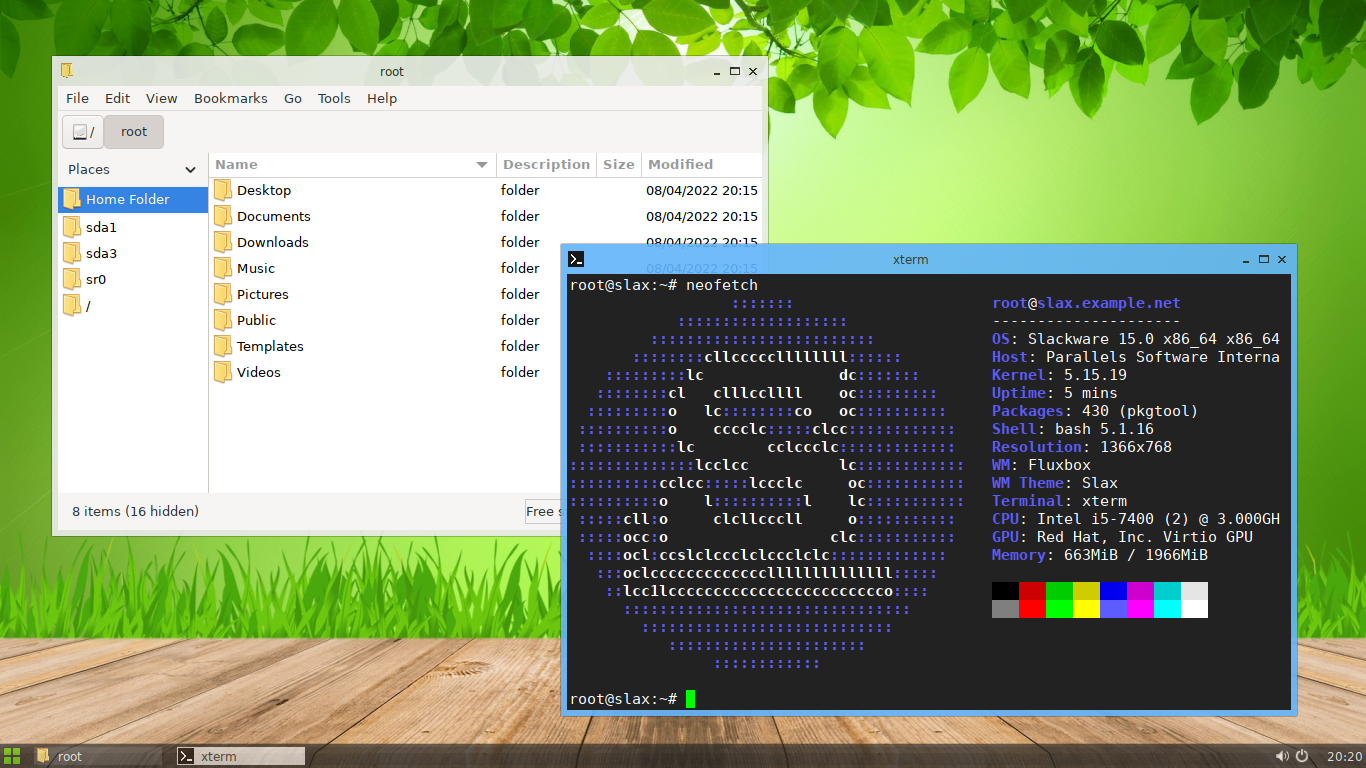
Slax is portability in its purest form. Created by Tomáš Matějíček, this distro fits on a USB drive and boots in seconds on almost any PC, leaving the disk untouched. Its motto is literal: your pocket system.
It comes in two flavors with the same Fluxbox desktop and the same size, between 200 and 265 MB. The Debian-based edition is the friendlier one because it uses apt and resolves dependencies on its own. The Slackware-based edition is more spartan, uses slackpkg and asks you to resolve dependencies by hand, in exchange for a slightly faster boot and idle consumption of about 250-350 MB versus 300-400 MB for the Debian one, according to comparative tests.
The official Slax site lets you choose base and architecture. For computers manufactured before 2010, choose 32 bits; for the rest, 64 bits. It needs about 256 MB minimum and runs comfortably with 512 MB. With 2 GB, there is memory to spare for browser and office work. The latest documented stable releases are Slax 12.1 on Debian 12.1 and 15.0.2 on Slackware 15.0-current from October 2023, with the base updated to Debian 12.2 and Slackware current in the following months.
Using it is also very simple. You download the ISO, copy it to the USB drive with the Slax tool or with Ventoy, and boot. It does not require installation. It saves changes persistently if you use a writable USB drive and activates the necessary modules on boot. Each program can be added as a module that is activated and deactivated without touching the base system. That way you keep the system clean.
But perhaps what will surprise you is that Slax is such a well-cared-for distro. It is visually attractive for how small it is, it comes with a file manager, editor and terminal, and with apt you add LibreOffice or Firefox in minutes. If you carry the USB drive on your keyring, any borrowed PC becomes your desktop without leaving a trace.
Void Linux: the balance between lightness and a real desktop
Void is an independent distribution with its own identity and ecosystem. Developed by a community of volunteers, it bets on the stability of the rolling release model: you install once and update continuously, avoiding traumatic version jumps.
Its hallmark lies in two technical decisions that make a difference on old computers:
- runit instead of systemd: an extremely light and fast service supervisor that manages processes with minimal resource consumption.
- XBPS: its own package manager, fast and efficient, which offers support for two base C libraries:
glibc (the standard compatible with almost everything) and musl (even more compact).
According to the Void Handbook, the minimum requirements for the x86_64 architecture are 512 MB of RAM and 2 GB of storage. The base ISO takes up about 400 MB, while the image with Xfce is slightly larger. In practice, the system at idle consumes less than 250 MB of RAM with a lightweight environment, which allows it to feel incredibly agile on machines more than a decade old, with 2 GB of RAM and modest processors.
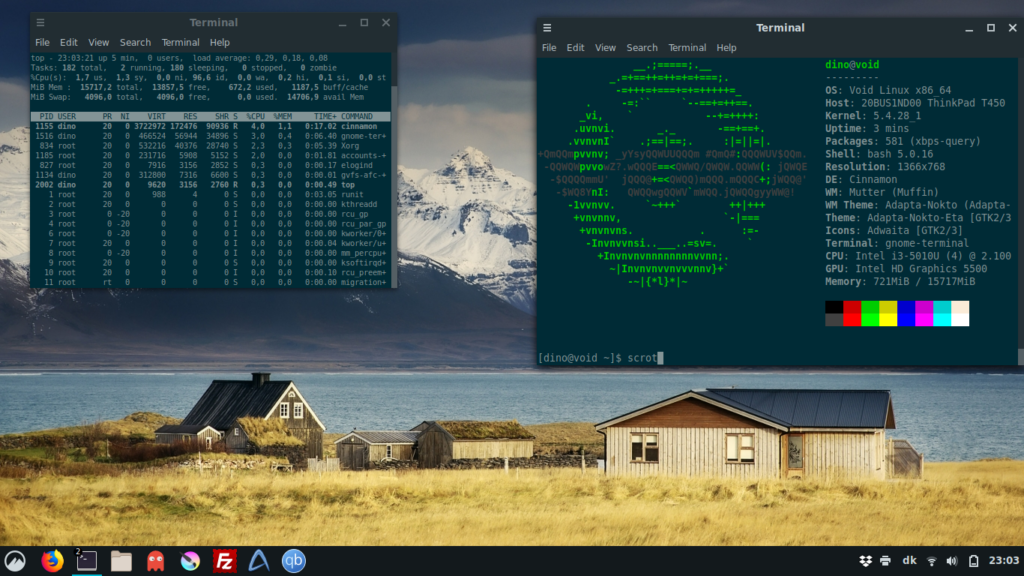
To get it, you just need to go to the downloads section at voidlinux.org/download and choose the architecture, the base library (glibc or musl) and the environment (base or Xfce). If your goal is to revive a machine for everyday use, the recommended option is glibc to guarantee maximum compatibility with third-party software, together with Xfce if you prefer a functional desktop from the first moment.
Void offers a complete desktop environment but free of bloatware or unnecessary processes. Its continuous update model is conservative, which guarantees long-term stability. For a computer or PC meant for studying, writing or browsing at home, it represents a solid and durable base for years.
CERN abandons RHEL for Debian Linux in its accelerators
Alpine Linux, extreme minimalism with a security mindset
Alpine is the absolute standard of contemporary lightness. Originally designed for firewalls and servers, today it has become the backbone of containers worldwide, thanks to a base image that takes up only between 5 and 8 MB (versus more than 75 MB for a Debian slim image).
It achieves this level of efficiency through three fundamental pillars:
- musl libc: it uses this compact C library in place of the traditional
glibc.
- BusyBox: it combines hundreds of basic UNIX utilities within a single executable.
- Management and security: it integrates
apk, a ridiculously fast and predictable package manager, together with a kernel focused on security and reducing the attack surface.
It is the smallest, safest and most predictable distro for building a custom system or deploying lightweight services, although it requires some technical experience to adapt a full desktop environment due to the compatibility of some binaries with musl.
To get it, just go to the downloads section at alpinelinux.org/downloads. To revive an old machine or try it locally, the recommended version is Standard (or the EXTENDED edition if you want broader driver support from the first boot).
Tiny Core Linux, the 16 MB kit that forces you to build
Tiny Core is the absolute extreme of efficiency. It does not seek to be attractive at first glance, it seeks to be truly tiny. Its basic graphical version, TinyCore, takes up about 16 MB in 32 bits and 41 MB in its 64-bit variant (TinyCorePure64). For those who require greater hardware support, CorePlus integrates more drivers and configuration tools in about 250-275 MB, while the pure base without a graphical environment, Core, is reduced to just 11-17 MB.
Its distinctive trait is the ability to run entirely in RAM with only 48 MB of space, which makes it an unbeatable option for reviving computers with extremely limited memory or for building a custom system that boots in a matter of seconds. Its proposition is honest from the first instant: it includes no browser or office suite. You select and install only what is necessary through extensions that load on boot, guaranteeing that the system always starts clean.
You can download the different ISO images directly from the official section at tinycorelinux.net/downloads, with variants available for x86 and x86_64 architectures. For an old PC, the most suitable option to start with is CorePlus, since it makes it easier to configure Wi-Fi networks and additional drivers from the first moment.
When you boot TinyCore, you will find a spartan graphical environment based on FLWM/FLTK. The workflow consists of opening the package manager (AppBrowser), installing the browser or tools of your choice and saving the configuration. Unlike traditional distributions, Tiny Core only keeps the changes and extensions you expressly indicate, not the general state of the disk. To understand this logic without stumbling, it is highly recommended to review the Quick & Easy Overview and Core Concepts guides in its official documentation; a few minutes of prior reading save hours of trial and error.
On a machine with 1 GB of RAM, Tiny Core allows you to deploy an extremely agile environment, activating heavy applications only on demand. On a PC more than 15 years old dedicated to browsing, word processing or media playback, it is possible to keep system consumption below 200 MB of RAM.
The end of ownership, why Apple and Sony impose renting
The value of reviving what still works
Reviving an old computer is not an exercise in nostalgia; it is a matter of efficiency and pragmatism. These alternatives show from different angles how to restore usefulness to a machine with limited resources:
- Puppy Linux: immediacy and ease from the first minute.
- Slax: extreme portability to carry your system in your pocket.
- Void Linux: the perfect balance between lightness and rolling release stability.
- Alpine Linux: security, minimalism and modular efficiency.
- Tiny Core: absolute control of the hardware with barely 16 MB.
All of them start from the same premise that explains why lightweight software remains so relevant: it is not a single magic solution, but different philosophies driven by the same kernel. The best path is to start with the simplest: try Puppy or Slax this afternoon from a USB drive without installing anything. If you enjoy the fluidity of a lightweight desktop, take the step toward Void. And when you want to understand how each piece of the operating system fits together from its foundations, explore Alpine and Tiny Core.
Your old computer does not need a miracle to come back to life; it only needs a system that recognizes its potential without drowning it under unnecessary processes.