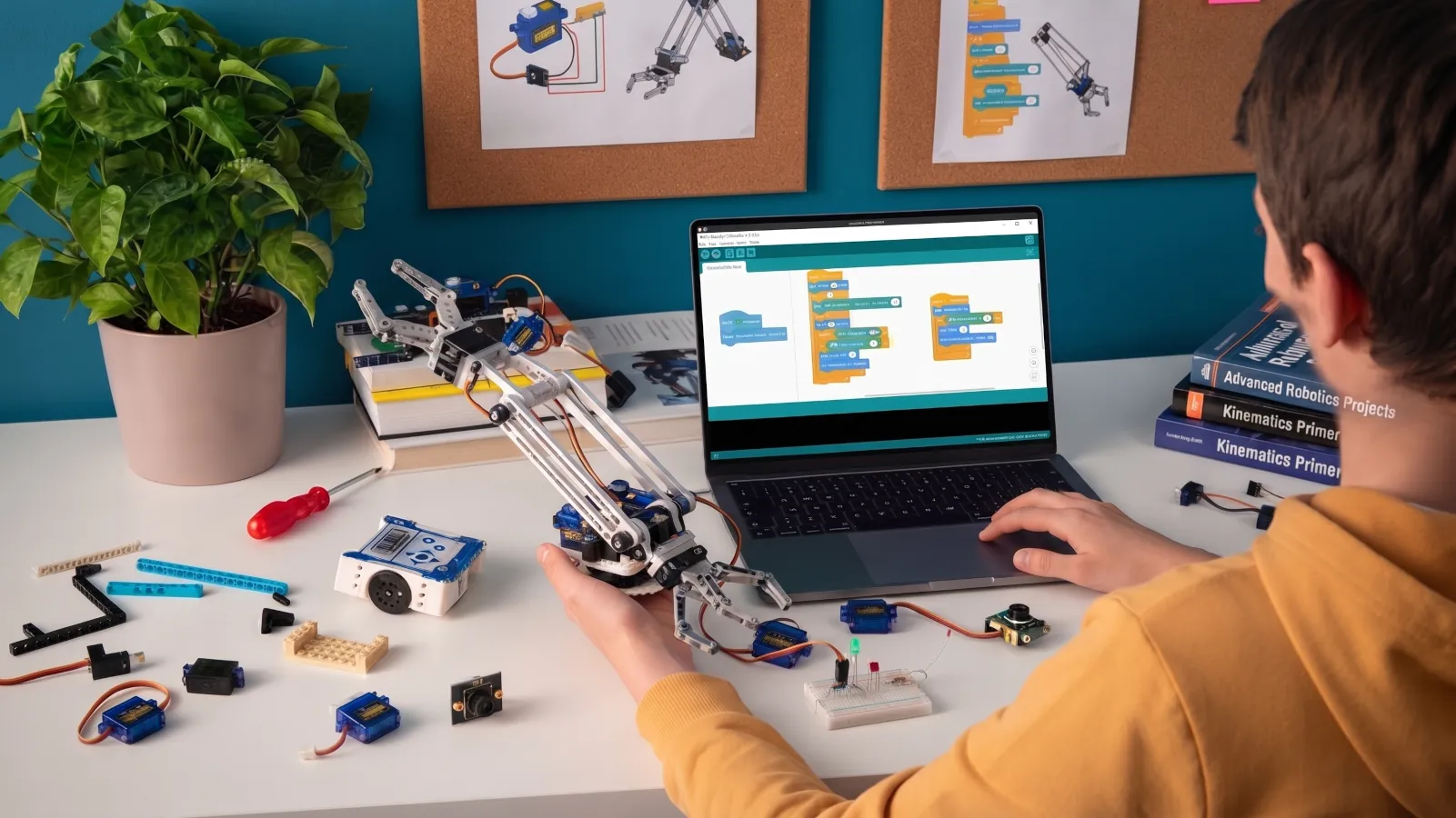
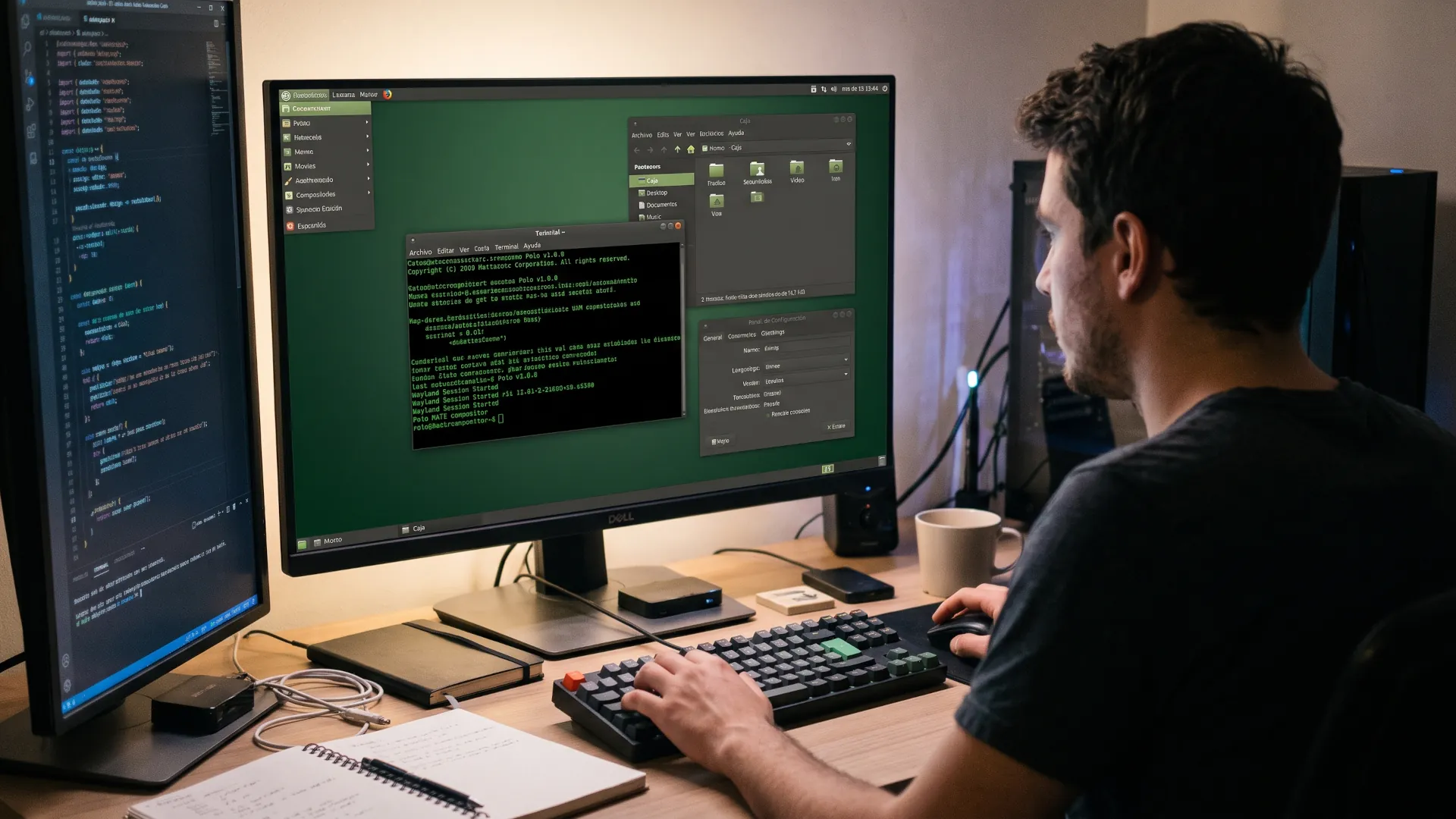
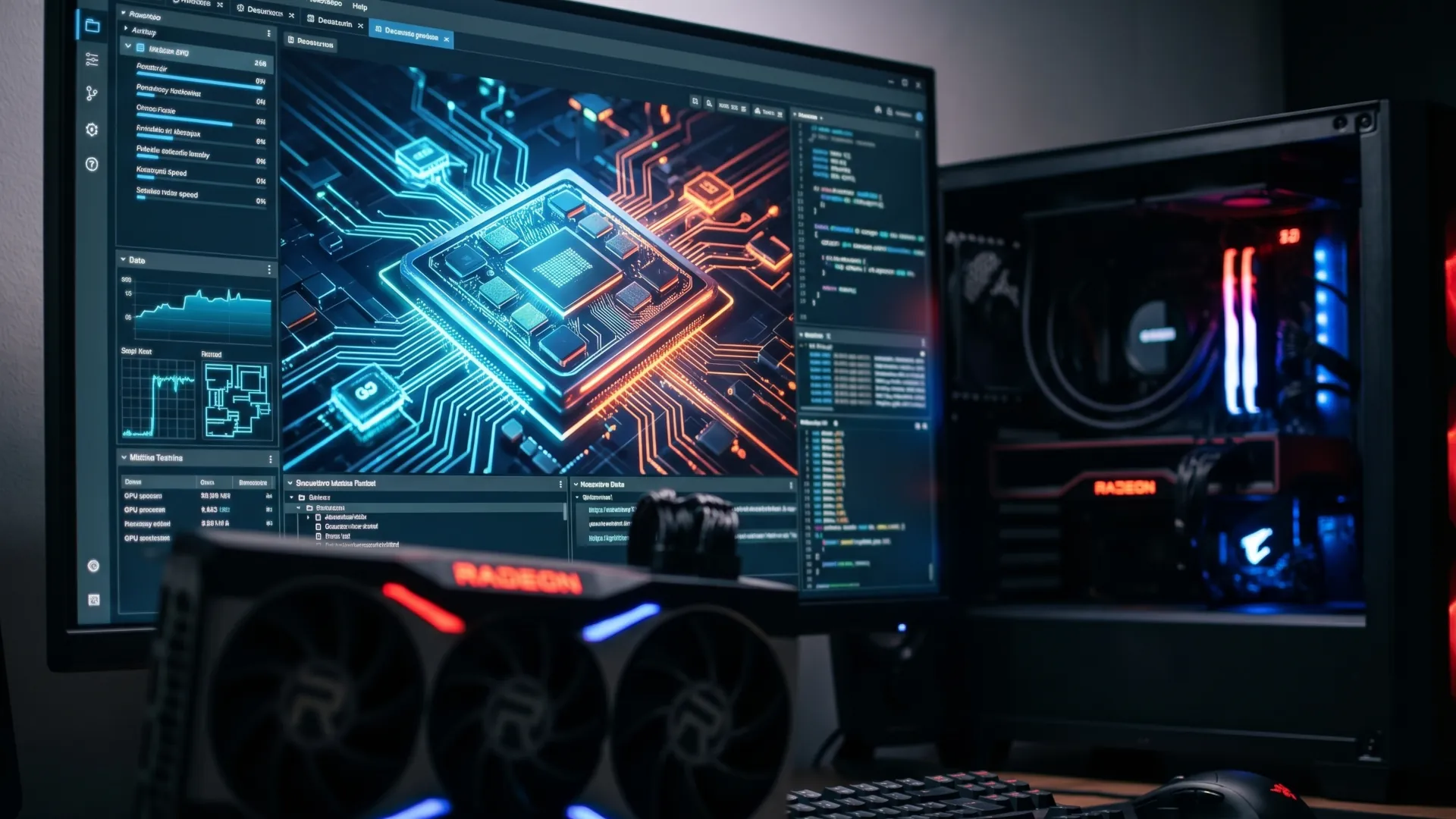
So the three pieces you'll see below will set you on that path. You can install them today and modify them without asking anyone's permission. Each one covers a different phase of learning and, together, they trace the path from the first idea to the robot moving on your desk, and best of all, all for free and with a large community behind it.
A good time to get started in robotics?
As we said earlier, the open robotics ecosystem is enjoying its best moment. The 2025 ROS metrics report, published in February 2026, puts package downloads during that year at 984 million, 85% more than in 2024, and ROS 2 already accounts for 91.2% of all of them.
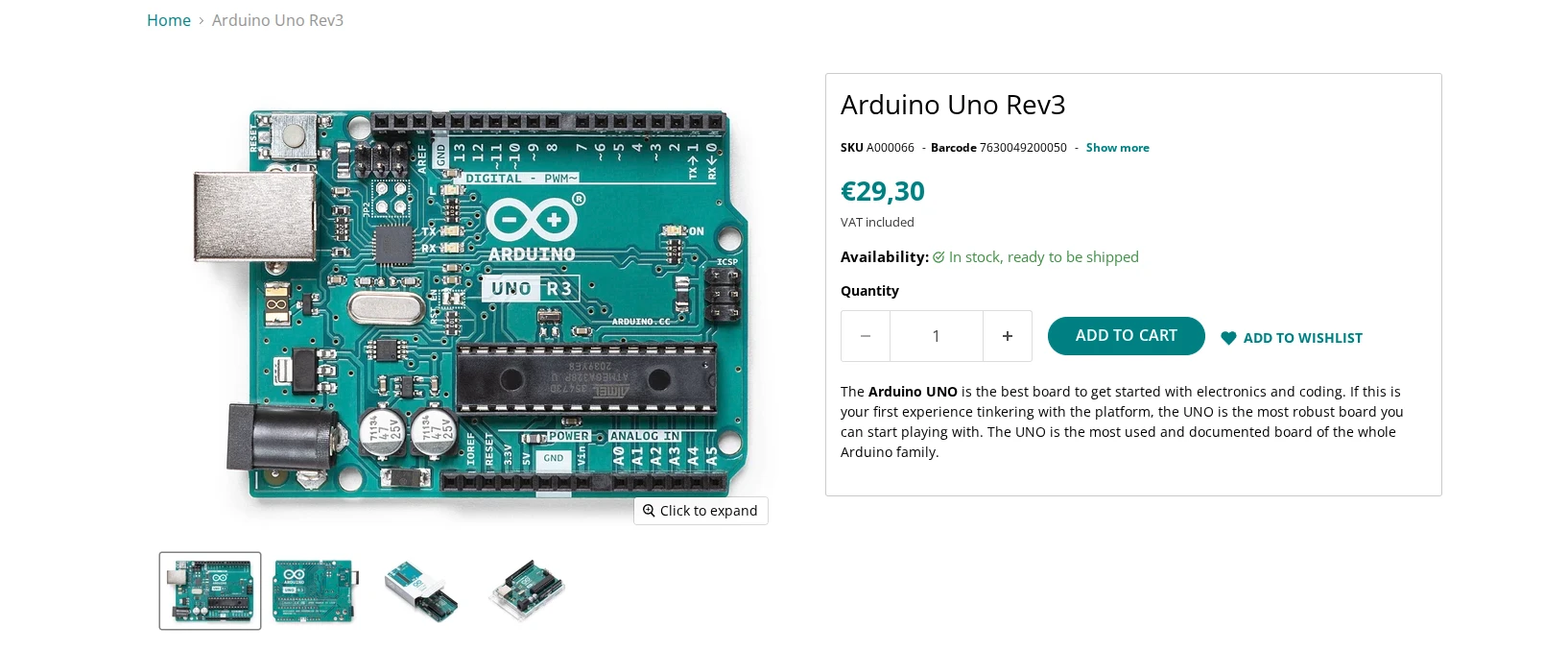
Add to that the price of the hardware. The Arduino Uno Rev3 sells for 29.30 euros in the official store and is open hardware. There are compatible clones for half the price, and sensors, motors and chassis have become off-the-shelf products within anyone's reach.
Nor is the interest a passing fad. ROS 2 is the standard that companies in the sector ask for, and learning it opens doors in logistics, agriculture, drones and industrial automation. So starting with these tools is not an amateur shortcut; it is the same route the industry uses to take a prototype from paper to the shop floor.
What's more, the open source movement has leveled the playing field. A student in their bedroom uses the same libraries as an engineer on an assembly line, and the mistakes they make are documented for the next person. That transparency accelerates learning far more than any closed course.
Thanks to this, the barrier to entry today is measured in hours of study rather than in euros. You can spend an afternoon understanding what a node is, another launching your first virtual world and a third lighting up an LED. Progress shows quickly, and that keeps motivation high when the first errors appear.
ROS 2, the nervous system almost all robots share
When a robot needs to move an arm, read a sensor and brake at the same time, its parts need to understand each other. ROS 2 is the layer that connects them: it divides the program into nodes, processes that exchange data through topics, services and actions.
The version you're interested in today is Lyrical Luth, published on May 22, 2026 and the twelfth ROS 2 release. It has long-term support until May 2031, so you'll have plenty of time to learn it without it becoming obsolete within a few months, as happens with intermediate releases.
5 free software programs that simplify your digital life
An expanding ecosystem
The ecosystem it brings with it is hard to match. On ROS Index there are 8,675 packages registered across 3,081 repositories, and the 2025 report counts 34,614 packages available through apt, the installation tool for Debian and Ubuntu. Almost any popular sensor already has a driver written by someone, which puts a huge amount of hardware at your disposal.
Think of nodes as radio stations. Each one broadcasts on a specific frequency, the topics, and anyone can tune in without asking permission. That decoupled design lets you change one part of the robot without rewriting the rest, and it is the reason the system scales well.
Underneath that simplicity are mechanisms designed for production. Quality of service, or QoS, decides whether a message can be lost or must always arrive, something critical when a sensor feeds an emergency brake. On a toy robot you won't notice; on an industrial one, you will.
Fully free operation
To run well, it's worth setting aside Ubuntu 24.04 or 26.04 on a partition or virtual machine. Install ROS 2 from the official packages or with the Docker image and you'll have the environment ready in under an hour, with no compatibility surprises with system libraries.
Your first contact doesn't require hardware. Open a terminal and run ros2 run demo_nodes_cpp talker in one window and ros2 run demo_nodes_cpp listener in another. You'll see one node sending messages and another receiving them, which is the essence of the whole architecture.
With those foundations in place, the next step is learning the diagnostic tools. RViz visualizes in 3D what the robot perceives, ros2 topic inspects communication in real time and rosbag2 records entire sessions. Mastering them is the difference between copying examples and understanding what is happening.
It's worth clarifying that ROS 2 is not an operating system despite the name, but a set of libraries and conventions. Nor is it the only option; there is also ROS 1, frozen for years, and manufacturers' proprietary frameworks. But to get started, ROS 2 is the bet with the most mileage and the best documentation.
Gazebo, the workshop where making mistakes costs no money
A real robot breaks and a simulation doesn't. Gazebo recreates the physical world in 3D with gravity, collisions, friction, sensors and actuators, so you can rehearse a maneuver a thousand times before risking the hardware. Its development began in 2002 at the University of Southern California.
The current version is called Jetty and arrived in September 2025 as a long-term support release, according to the official version table. It is designed to pair with ROS 2 and runs natively on Ubuntu. The next major release is expected in March 2027.
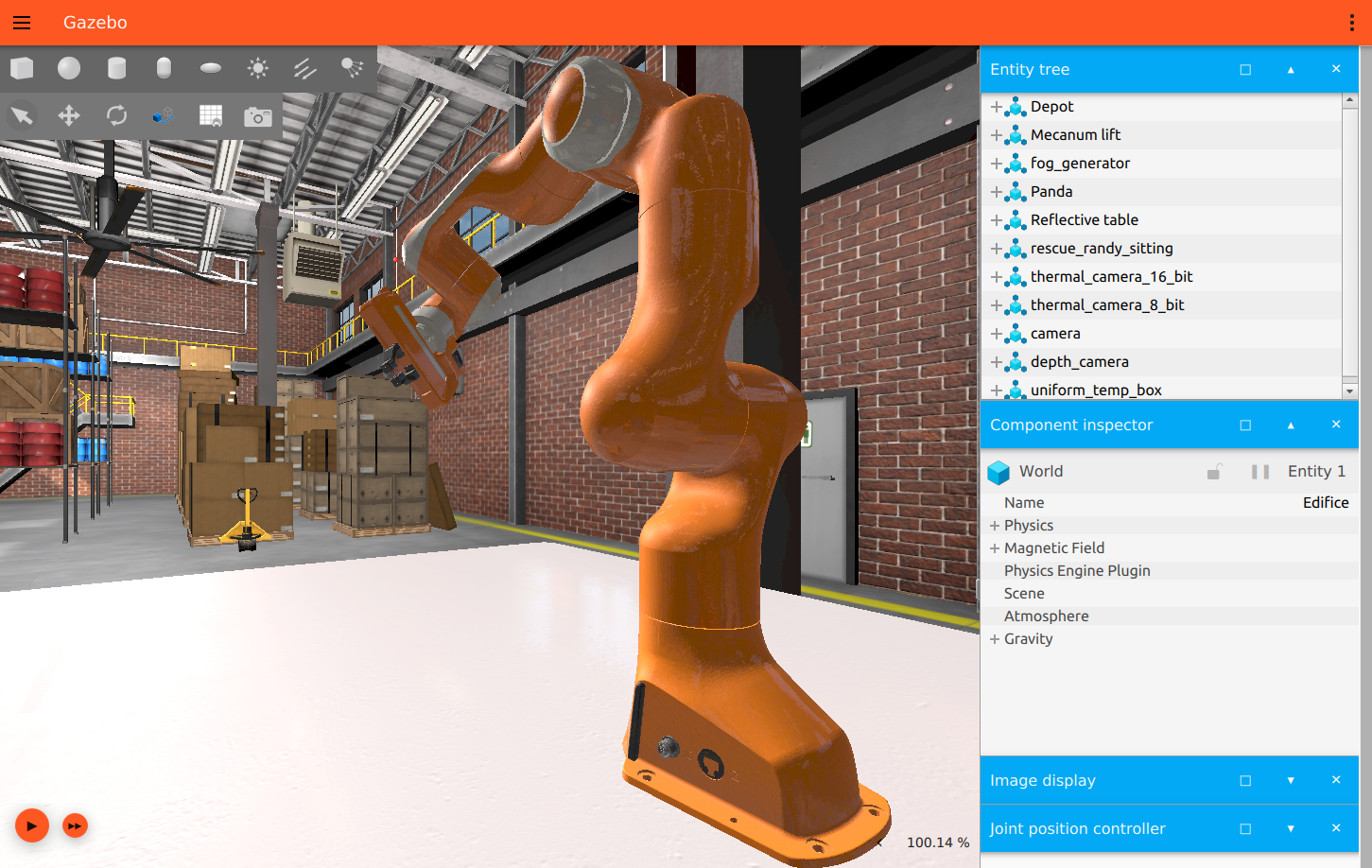
Inside you'll find example worlds, pre-built robots and virtual sensors that mimic a lidar, a camera or a GPS. You can write a ROS 2 program that reads that data, decide which way to turn and check the result instantly, with the same API you would use on the real robot.
Flatpak beats Snap in the Linux desktop war
Physics and simulation close to reality
Physics is what separates Gazebo from a simple animation. The simulator calculates how each joint responds to a motor torque, how objects bounce and how much a signal degrades with noise. That fidelity lets you train algorithms that are then transferred to hardware with reasonable adjustments.
Testing in the simulator saves more than money. A real robot needs battery, space and someone watching over it in every test. In Gazebo you can run a hundred experiments in a row while you drink your coffee, and compare the results calmly. That volume of trials is impossible with hardware.
Ready-to-use models
The model catalog is another advantage. The Fuel library offers robots, buildings and objects ready to drag into your world, from an off-road vehicle to an entire house. You don't need to design anything from scratch to start experimenting with navigation.
It's worth distinguishing the modern version from the old one. Gazebo Classic was discontinued in 2025, and the one now in development is a more modular collection of libraries. If you follow a very old tutorial, check that you're not mixing the two generations.
When the robot crashes into a wall or falls off a ramp, nothing happens: you restart the world and start again in seconds. That room to make mistakes at no cost is, for a beginner, more valuable than any theoretical manual on dynamics.
To take the first step, install Gazebo Jetty on Ubuntu 24.04 or later with the official guide and open the simulator with gz sim. Load a world, add a robot and watch how it responds. Then connect it to ROS 2 with the bridge ros_gz.
Arduino IDE 2, the bridge to real hardware
There comes a point when the screen isn't enough. Arduino IDE 2 is the environment you use to program microcontrollers, the boards that control motors, read sensors and turn on lights. Its version 2.3.10, published on June 9, 2026, adds autocomplete and a live debugger.
The environment is free software under the AGPL license and runs on Windows, macOS and Linux, so you can use it on whatever system you already have installed. The Uno Rev3 board is open hardware, and its blueprints are published so anyone can manufacture or modify it without depending on the manufacturer.
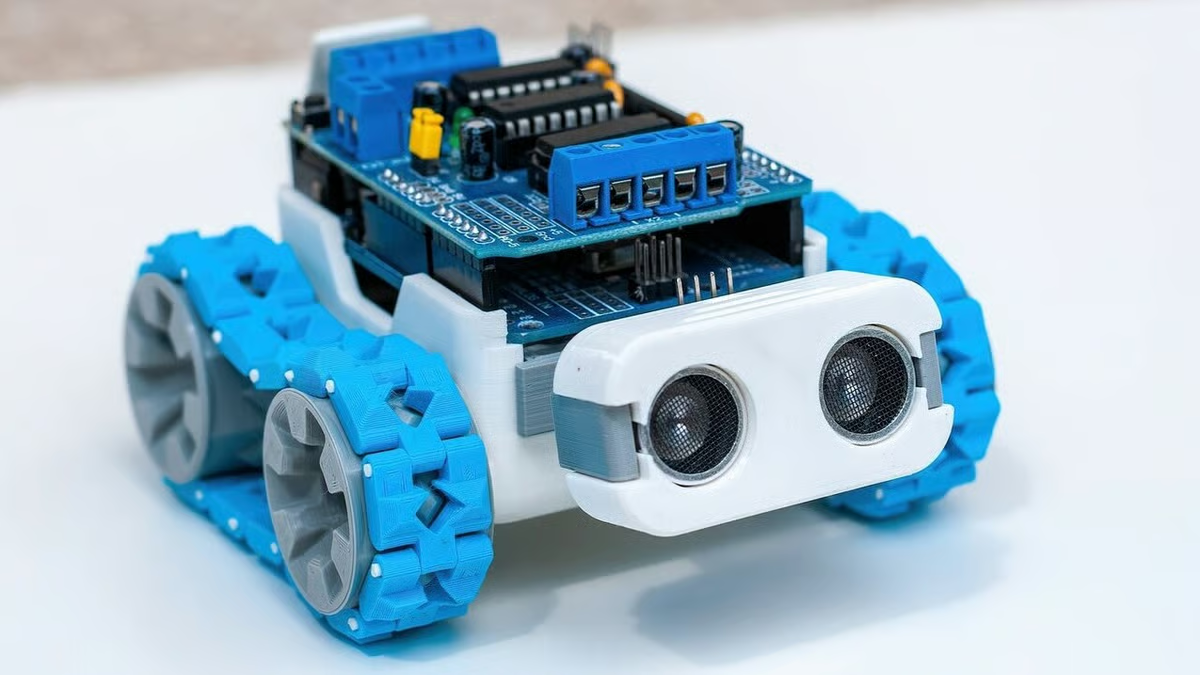
Underneath the editor there is an important technical change. This version is built on Theia and Electron, and delegates compilation to arduino-cli, the project's command-line tool. That architecture explains why the editor is faster and why the installation takes up so much space.
micro-ROS, a proposal for miniaturization
What's interesting for anyone coming from ROS 2 is micro-ROS, a project that brings that same architecture to microcontrollers. With its library for Arduino you can publish and subscribe to ROS 2 topics from a board, as long as it has enough resources. It is distributed under the Apache 2.0 license.
The library manager deserves a paragraph of its own. From the environment itself you search for your sensor's driver, install it with one click and see ready-to-try examples. For a beginner, that convenience saves fighting with files and paths before understanding the electronics.
What's more, every beginner's first program has been the same for years: making an LED blink. With that you check that the board is properly connected and that the environment compiles. Then you add a distance sensor and publish its readings to a topic.
But if the project grows, it's worth looking at PlatformIO, an environment integrated into editors such as VS Code that manages dependencies and boards more neatly. Its version 6.2.0 came out on September 15, 2026 under the Apache 2.0 license and supports Arduino and other frameworks.
How do the three fit into a learning path?
The three tools don't compete with each other; they need each other. The most effective way to learn is to start with ROS 2 to understand communication, move on to Gazebo to practice without risk and end with Arduino when you want to touch real hardware.
| Phase |
Tool |
What you do with it |
Initial cost |
| Communication |
ROS 2 Lyrical Luth |
Create nodes and publish data |
0 € |
| Simulation |
Gazebo Jetty |
Test the robot in a virtual world |
0 € |
| Hardware |
Arduino IDE 2 and micro-ROS |
Program the physical board |
From 29.30 € |
The recommended path fits into four steps. The first is to prepare the system, because Ubuntu is the environment where you'll find the fewest surprises. The second is to install ROS 2 Lyrical and complete the node and topic tutorials before touching anything else.
The third step is to add Gazebo and reproduce an example robot with its sensors. Spend time modifying worlds and deliberately causing failures, because that's where you learn more than by watching a perfect demonstration. That habit will save you money on components.
Going for the hardware
The fourth step is to buy a board, install Arduino IDE 2 and repeat with micro-ROS a simple publisher you already know from simulation. Each phase builds on the previous one: without ROS 2 the simulation stays a pretty video, and without Arduino the knowledge never gets moving.
That chaining explains why it's worth following this order. You can skip steps, but every shortcut is later paid for with hours of debugging. The community repeats it ad nauseam: simulate first, build later, not the other way around.
It's worth measuring progress by milestones rather than by time. A realistic goal for the first week is to see the LED blink; for the first month, to move a simulated robot; for the third, to make it avoid an obstacle in reality. If you get stuck, the community responds.
Two tips that save you grief. Document every step in a notebook or repository, because you'll forget how you solved the previous problem. And don't buy hardware until simulation bores you, a sign that you're ready for the next level.
Your own robot is no longer a matter of budgets
A decade ago, building an autonomous robot required a laboratory, expensive licenses and months of work. Today a laptop, an internet connection and the patience to read documentation are enough. The barrier that remains is not economic but one of time: learning these tools takes weeks.
The rest is up to you. Start small, simulate a lot and don't be afraid to break things in the virtual world. When the first LED blinks with your own code and the robot avoids obstacles, you'll see that the distance between an idea and something that moves is very short.
Open robotics doesn't promise immediate results, but it does offer a clear path. The three tools you've seen are maintained by active communities and updated every year. That means what you learn today will still serve you when the version changes.
The 5 perfect Linux distributions to take your first steps