A week after opening Windows 11 26H2 to all compatible devices, the verdict is the usual one for recent releases: the update arrived without new features that justify the jump and with a list of issues that is growing faster than Microsoft can close it. The version was released on October 23 with the same technology and the same wrapper, and since then support forums have been piling up reports ranging from cosmetic details to machines that will not boot.
The most frequently reported case has an update number. Package KB5127936 is behind complaints about the taskbar and application tabs becoming unresponsive, with the system accepting clicks but not executing the action. Microsoft has acknowledged issues on the version's status page and has released partial fixes, while affected users describe a pattern that recurs after several hours of use.
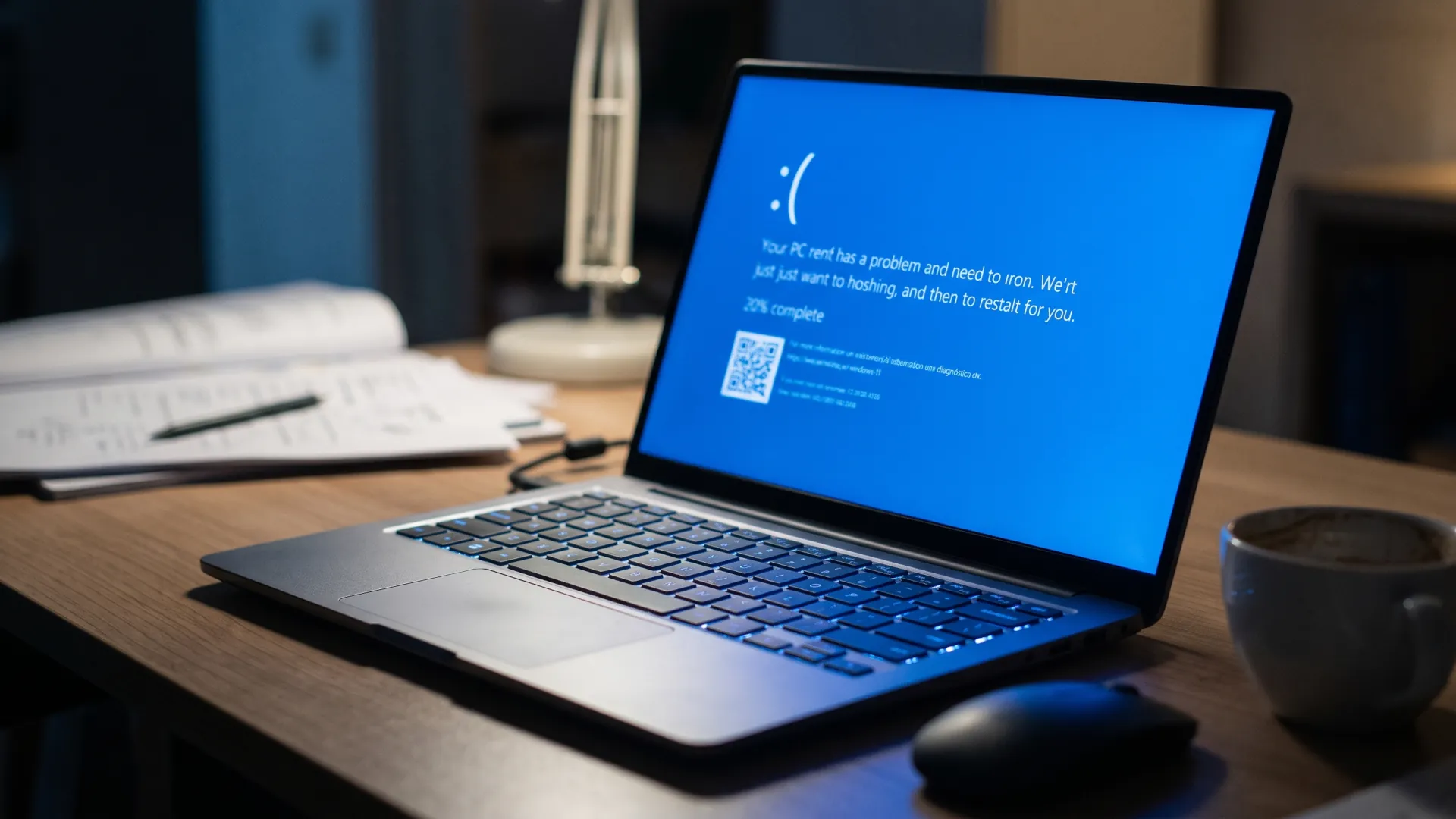
The second focus is booting. Several users report blue screens on the first startup of the day, with machines that worked without problems on 25H2 and stop doing so after updating. The issue is not universal and mainly affects mid-range laptops with specific storage drivers, which points to a compatibility problem rather than a kernel failure. The distinction between what is confirmed and what is reported matters, and it is the first thing to be clear about before deciding whether to update. One thing is what Microsoft documents on its status page and another is what appears in forums without a case number. Mixing the two produces alarmist headlines and wrong decisions.
The bugs that already have a patch
Microsoft keeps a page of resolved issues for each version of Windows 11, and there the life cycle of each bug can be tracked. The usual pattern is that a problem detected in the launch week receives a cumulative fix within two or three weeks, distributed first to the preview channels and then to the general public.
In this version, the fixes published so far focus on the window manager and on File Explorer's memory consumption. Machines that installed the update in the first week and applied the later patch describe a clear improvement, though not a complete disappearance of taskbar freezes.
The operational lesson is the usual one and almost nobody applies it. The time to update a work machine is not the launch week, but when the version has accumulated two cumulative fixes and the community has stopped reporting new bugs every day.
What to do if you have already updated?
If the machine works, there is nothing to do except keep automatic updates on and wait. If the machine shows interface freezes, the first step is to check whether package KB5127936 is installed and whether a later fix is available in Windows Update. Most of this week's issues are resolved that way.
Reverting a feature update is not a domestic drama. In a company with fifty machines, the same operation consumes a week of support and requires prior inventory, plus a communication plan that almost nobody prepares.
If the problem is booting, the route is more uncomfortable. Windows offers a ten-day window to return to the previous version from Settings, in the recovery section. After that period, going back requires a clean install or a system image, so it is worth deciding quickly.
Before reverting, it is worth trying two things. The first is to disconnect peripherals and boot with the minimum, because some of this week's problems are caused by third-party drivers that load at startup. The second is to check the system event log for the error code of the last failure, which usually points to the module responsible.
How to postpone the update without blocking security?
For machines that have not yet received 26H2, the sensible option is to defer installation without giving up security patches. Windows allows pausing feature updates for up to five weeks from Settings, and companies can set a target version with Group Policy or with management tools.
The difference between a feature update and a security patch is the key. Postponing the first is prudent; postponing the second leaves the machine exposed to vulnerabilities that already have public exploits. For machines still on 24H2, the notice of end of updates for that branch marks the real deadline before the problem becomes something else. Confusing the two is the mistake most often made in small companies without an IT department.
There is a third group that should update before anyone else. Teams that receive certificates from entities affected by the certificate authorities' crisis of trust need updated lists, and some of those updates arrive with the new version. If the machine connects to internal services with its own certificates, reviewing the chain of trust is a priority. The case of the Secure Boot certificates expiring this year shows that trust lists and system updates travel at different speeds.
What 26H2 really changes
The version brings neither a redesign nor a headline feature. The work focuses on window manager performance, power management on laptops and the integration of artificial intelligence features that already existed in the system but now run more often locally.
That silent change has consequences on modest machines. Local AI features consume memory and CPU, and on an 8-gigabyte laptop the effect shows up in battery life and system responsiveness. Machines with 16 gigabytes or more notice no difference and sometimes gain in smoothness.
For anyone with a 2020 or older machine, the recommendation is to wait. The performance gain does not offset the risk of incompatibility with old drivers, and support for the previous version runs well into 2027 in most editions.
When this version will be the boring option
The Windows cycle has settled into a pattern we already know. Three weeks of headlines, two months of patches and from the third month on, a version nobody mentions because it works. 26H2 will be no different.
The question that remains is whether that model still makes sense. An annual update that changes little and breaks something is harder to justify than a continuous cycle with small patches, and Microsoft knows it: that is why more and more features arrive through the store and not with the system version.
For the user, the practical decision fits in one sentence. If your machine works, update once the version is three months old and has two cumulative patches. If your machine fails, first check which driver is behind it and do not blame the operating system before you have the data.