Windows 11 26H2 is no longer an update for those at the front of the queue. Microsoft's Windows status panel, updated on October 21, 2026, confirms it: the version has reached general availability and the phased rollout now covers all devices running 25H2 and 24H2. In practice, anyone with an eligible PC can go to Settings, check for updates and find the 2026 update waiting its turn, with no waiting lists or special invitations.
The release announcement came on September 29, when Microsoft published the guide to getting the update with a rollout controlled in phases and possible blocks due to detected incompatibilities. The company sold it as a formality: 26H2 shares the same servicing base as 25H2 and 24H2, so on many devices it arrives as a small enablement package, with a reduced download and a single restart, as detailed in the Windows Experience note of September 29.
The incentive to update is not cosmetic. The October 2026 patch was the last one Windows 11 24H2 received on Home and Pro, according to the KB5127648 cumulative update sheet, so falling behind starts to carry a real security cost. Add to that the fact that the only serious bug documented for this version, a black screen when signing in on virtual desktops, was closed on October 13 with that same package.
What does the 2026 update turn on?
It is worth clarifying that 26H2 is not a new operating system. The three versions share a servicing branch and much of the code, so many new features reached devices with the monthly updates of recent months, and the annual appointment is limited to turning them on and restarting the support clock.
What is switched on by default for commercial customers is three elements already released earlier: Windows settings backup, quick app actions from the taskbar and several navigation improvements in File Explorer.
The 26H2 version history acknowledges that mechanism and notes that the delivery carries over what was released through servicing in 25H2 and 24H2. The what's new page for IT professionals puts names to that legacy: Sysmon built into the system, administrator protection disabled by default, external credential managers for passkeys and support for the post-quantum algorithms ML-KEM and ML-DSA. The same page confirms a removal that affects old scripts, because WMIC also disappears in this version.
The area where monthly deliveries are most noticeable is development, and there Microsoft has long stopped waiting for the annual appointment. The arrival of WSL Containers on Windows 11, with which the company tightens the race against Linux, is the best example of features that change a programmer's day-to-day before a new version with its own name exists.
When it reaches you, step by step
The path is the usual one. Go to Settings, open Windows Update and click Check for updates. If the device is eligible, you will see the option to download and install and a single restart will be enough to complete the jump; if you want to get ahead of your turn, enable the option to receive new features as soon as they are available, which is exactly what the official guide to getting the 2026 update.
| recommends |
Windows 11 edition |
| Support after installing 26H2 |
Home |
| 24 months |
Pro |
| 24 months |
Enterprise |
| 36 months |
Education |
36 months
Safeguard holds are the other piece of the system, and they explain most of the questions these days. Microsoft applies them when it detects an incompatible driver or application: the device stops seeing the update until the problem is resolved, something that can take weeks. If your PC shows nothing, check the status panel before forcing the installation with third-party assistants, because installing over an active hold is the fastest way to end up with a problem Microsoft had already detected for you.
The black screen bug on virtual desktops
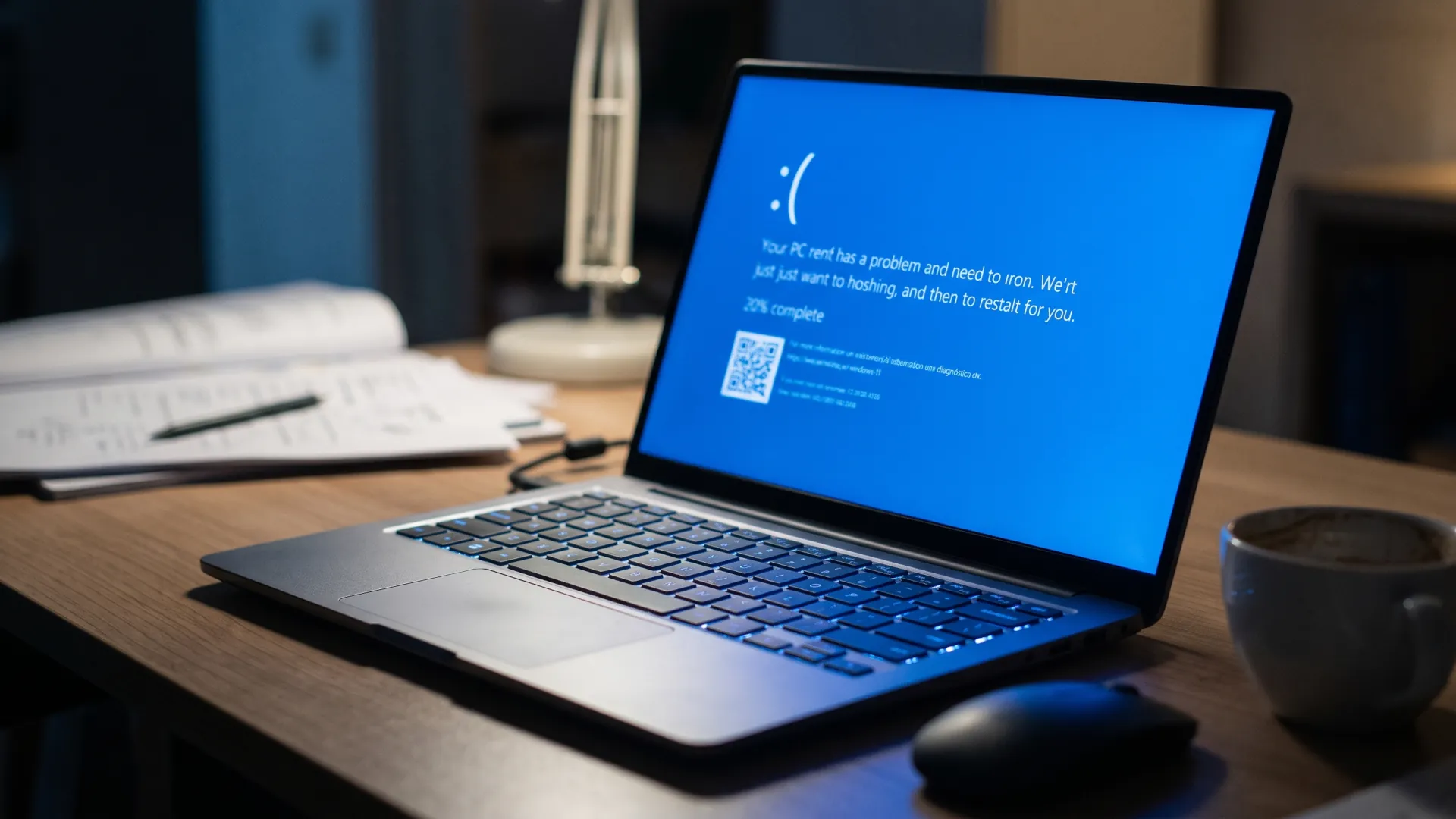
The problem appeared right where it hurts most, in multi-user corporate environments. After installing 26H2 and subsequent updates, some devices showed a black screen after signing in and the desktop did not load on its own; event logs recorded Windows Explorer crashes. Microsoft observed it especially on Azure Virtual Desktop hosts with FSLogix, more frequently on existing user profiles.
The fix arrived on October 13, 2026 with KB5127648, which repairs the startup of Explorer.exe in multi-user environments and also AC-3 audio playback in legacy applications that depended on the system decoder.
Anyone who cannot apply it yet has two emergency stops: open Task Manager, launch a new task with explorer.exe and keep working, or deploy the known issue rollback through the group policy Microsoft publishes for 24H2, 25H2 and 26H2. Neither replaces the patch, but both prevent a virtual desktop from staying dark for an entire morning while the systems department decides what to do.
There is a detail worth keeping in mind if the official documentation is consulted. The version history sheet still shows the workaround text and does not record the closure of the case, while the status panel, updated later, marks it as resolved since October 13 and recommends installing any update after that date. When faced with two texts from the same house with different dates, the source updated later is the one that rules.
What remains open
The status panel is not empty. Remote Desktop connections by users without administrator privileges may fail with error 0xC000000D when administrator protection is active; Microsoft has it mitigated with a temporary return to the previous policy and promises a fix in a future update. Class 1.0 USB audio devices have carried a similar problem since September: some show code 10 in Device Manager and are left without sound, with a partial solution in the out-of-band update KB5129195 of September 14.
Neither case blocks the update by itself and Microsoft does not treat them as a reason to slow the general rollout, but both justify a quick review of the fleet before opening the update to all users in the organization.
For those managing a large fleet
Windows 11 26H2 is already in Windows Autopatch and in the Microsoft 365 admin center, and the company's recommendation is the usual one: small rings first, validation of critical applications and progressive opening of the rest. The advantage this year is that validation weighs less, because the substrate is identical to that of the two previous versions and the installation looks more like a monthly patch than a system migration.
At this point, the annual Windows 11 version works less as a premiere and more as an administrative date that restarts support and turns on what was already on the disk. For the home user, the practical consequence is that updating stops being a technical decision and becomes a matter of hygiene: without the jump to 26H2, a device with 24H2 on Home or Pro is left without monthly patches from November. For those who administer virtual desktops, the FSLogix episode is the usual reminder that the controlled rollout phase is not bureaucracy, but the margin that separates a quiet Tuesday from a morning of incidents. If you also program on Windows, the underlying question is still another one and this delivery does not move it: the comparison between Linux and WSL for developing in 2026