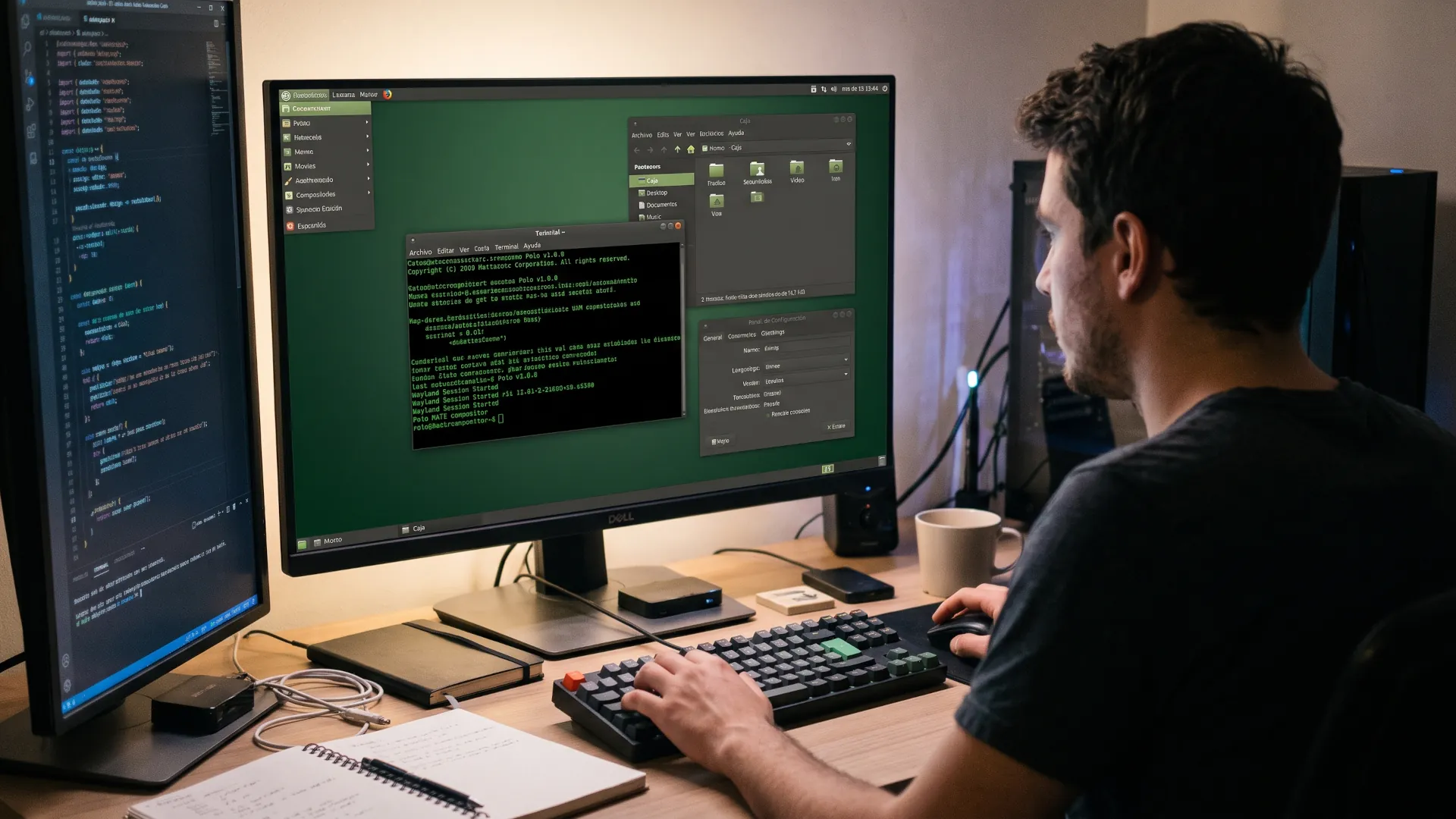
Mozilla released Firefox 159, two weeks after the previous delivery and following the cycle the company has maintained for a year. The change that users on Linux with an AMD card will notice most is less glamorous than it sounds: the browser stops eating video memory as if there were no tomorrow. The version also fixes a Wayland bug that broke tab dragging and adds shortcuts to search among open tabs.
The memory problem came from the graphics path. Firefox uses the GPU to composite the interface and, on Linux with AMD drivers, that path accumulated resources without fully releasing them. The symptom was a browser that grew heavier by the hour: twenty open tabs ended up weighing as much as fifty, and on machines with little memory the system began swapping to disk.
The fix arrives at a time when the price of memory and SSDs has soared due to pressure from data centers and the production of high-density chips, so a browser that used too much now weighs more on the wallet than it did a year ago. We covered this when analyzing the rise in RAM prices in 2026, where the key point was that the shortage would not be resolved in the short term.
There is a third change that matters to anyone who works with many tabs: shortcuts for searching the list of open tabs. It is a small feature that saves a couple of clicks per hour and that, in a browser with sixty tabs, is more welcome than it seems.
The Wayland bug no one knew how to describe
Tab tear-off is one of those things you only notice when it breaks. Dragging a tab out into another window should work in any environment, and on Wayland with certain desktop combinations it broke in ways that were hard to reproduce.
Mozilla has fixed the behavior in this release, and the fix matters because Wayland is the future of the Linux desktop. Anyone who follows the desktop day to day already knows that the transition from X11 is being done in stages, as can be seen in every release that moves a piece, and every bug that is closed is one less reason to stay on the old system.
That is where the detail matters: a compositing failure in the browser is more noticeable than in any other application, and it is worth remembering that tools like KeePassXC already depend on Wayland for their auto-type, so a half-finished desktop leaves more than one person unable to work.
Other improvements in the new version
The rest of the list is the usual catalogue of a two-week cycle. Rendering engine improvements, adjustments to tab management and new web platform capabilities that developers will be able to use as soon as the installed base updates.
Mozilla has also kept to the fortnightly release pace it adopted to compete with the fast cycles of other browsers. That model has a clear advantage, which is delivering fixes sooner, and a cost, which is that each version has fewer headlines because the change is smaller.
| Area |
Change |
Who it affects |
| Graphics on Linux |
Lower memory use with AMD GPU |
Laptops and machines with AMD graphics |
| Wayland |
Fix for tab detaching |
Desktops running Wayland |
| Tabs |
Search shortcuts between tabs |
Users with many tabs |
| Web platform |
New features for developers |
Those who maintain sites and applications |
RAM, the endless battleground
A modern browser is an operating system in disguise. Each tab is a process, each extension is another, and the interface consumes memory of its own. On an 8 GB machine, the difference between a browser that manages memory well and one that does not is the difference between working and waiting.
Firefox developers have long been fighting this. The arrival of separate processes per tab improved stability and worsened consumption, and since then the work has been to recover efficiency without going back to the previous model. Each version trims a little.
On Linux, the matter is more delicate because graphics drivers do their own memory management. A fault in the communication between the browser and the driver leaves reserved resources that nobody releases, and the user only sees that the system slows down.
The fix in this version addresses that leak. If the diagnosis is correct, machines with AMD graphics should see more stable video memory usage in long sessions.
What remains pending
Hardware acceleration on Linux remains a story with uneven chapters, so it is worth checking your setup before taking it for granted. It works on most modern configurations, fails in specific combinations and depends on the driver and the browser agreeing on how to share resources.
For the user, the practical recommendation is dull. Update, check that acceleration is still active and, if something gets worse, review the browser's indicators before blaming the distribution. Firefox has internal pages that show what is using the GPU and how much memory compositing takes up.
The other recommendation concerns extensions. A clean browser with ten extensions consumes more than one with two, and many of those installed to save memory end up using more than they save.
What to watch in the coming releases?
The two-week cycle has a consequence almost nobody mentions: each version is so small that bugs are fixed before many people notice them, and also before many people know they existed. That makes the real work hard to assess, because users only perceive the versions in which something breaks.
For the reader who wants to follow the trail, the most useful sources are the release notes and the bug-tracking forums. There it is clear that most Linux fixes follow the same path: a report from a user with specific hardware, a reproduction that takes days and a patch that arrives when nobody expects it anymore.
That circuit explains why bugs are worth reporting in detail. A report saying the browser is slow is useless; one that states the card, the driver and the compositor version makes it possible to reproduce the problem and, with luck, fix it for everyone sharing that hardware.
The browser as a thermometer for the desktop
Every version of Firefox on Linux tells part of the desktop's story. When Wayland, graphics or memory fixes arrive, what you are seeing is the debt of a platform that for years was developed for Windows first and Linux second.
Firefox 159 does not change the market and will not make headlines. It closes two bugs that affected a specific part of its users and adds a feature used every day. That kind of release is what sustains trust: nobody switches browsers over a fix, and many people switch when bugs pile up unresolved.