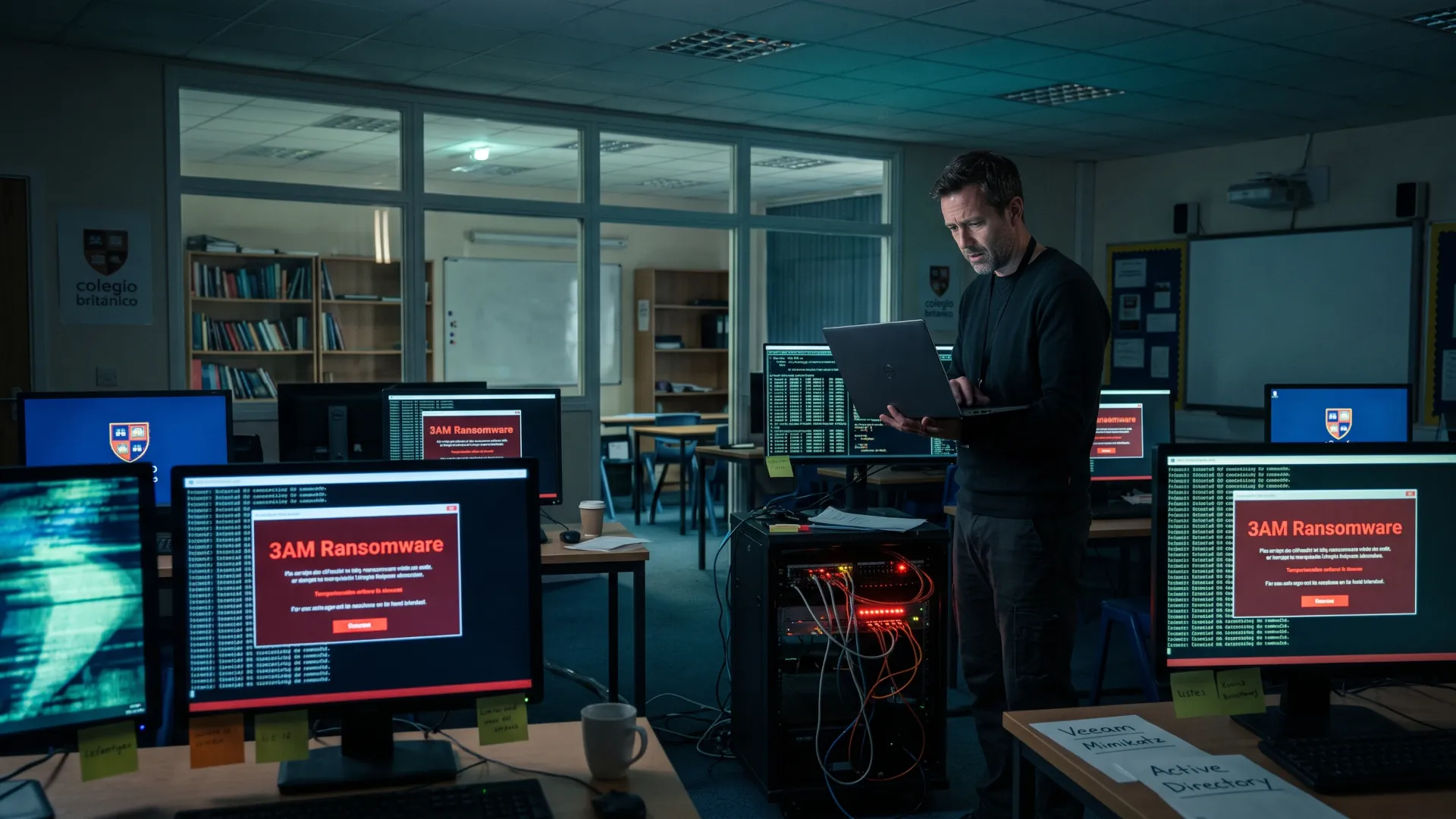
Being exempt from administrative penalties does not grant technical immunity. Human error, a password reused across several services or an intercepted invoice with the account number changed produce the same operational impact as a large-scale attack. The asymmetry is brutal: the mistake arrives silently and instantly, while containment and recovery require knowing exactly what to shut down, whom to notify and how to restore activity.
Inventory and patching: the list nobody finishes
You cannot protect what you do not know you have, and that is the hole where almost everything starts. The minimum inventory fits on a spreadsheet with four columns that can be filled in over an afternoon: what each thing is and who uses it, where it is and who keeps its password. That covers the team's laptops, the file server and the devices someone installed at some point, such as the office router or the NAS where the site photos sleep. The same sheet lists the email accounts, the management tools and who holds the password for each thing.
Patching is the other half of the same job. Windows and macOS come with automatic updates, and on Linux there are tools for the same purpose, such as unattended-upgrades on Debian and Ubuntu or dnf-automatic on Fedora and RHEL, while router and NAS firmware is updated by hand every few months. The usual mistake is not forgetting the patch, it is believing that downloading it is the same as applying it: kernel patches do not take effect until you reboot, and a laptop left off for three weeks accumulates what nobody sees. The CVE-2026-98432 showed the other extreme: a kernel flaw with a working exploit that, as of 30 October 2026, still had no fix in Ubuntu and RHEL.
When the patch does not exist yet, it is time to reduce exposure and find out exactly which machines are affected. That work always comes back to the inventory, because without the list there is no way to decide where to start or what to shut down first.
Cadence matters more than the tool. With a quarterly review and automatic updates enabled you cover more than with an annual audit, and the distribution's lifecycle marks the day you stop receiving patches, as happens with Fedora's release pace.
Passkeys and physical keys: the second factor that withstands phishing
Email has become the master key to the business, because almost every other password is reset from it. But not all second factors are worth the same. An SMS code travels over a network that can be hijacked with a duplicate SIM card, and six-digit code apps fall to an intermediary page that copies them in real time. The only phishing-resistant authentication that is widely available is FIDO/WebAuthn, the one used by passkeys and physical keys.
The good news is that passkeys are already in Google Workspace and Microsoft 365, and are gradually reaching online banking and domain registrars. Sensible rollout starts with email and the password manager, continues with administration accounts and leaves the rest for last. Each administrator needs two keys, one on the keyring and another stored outside the office, because losing the only factor is the fastest way to lock yourself out of your own business.
The typical mistake is to protect the mailbox and leave the domain registrar with a password alone. Whoever gets in there hijacks the DNS and receives the email without touching your inbox, and can also request a certificate in your name without anyone reviewing it.
3-2-1 backups and a restore you have tested
The 3-2-1 rule remains the standard for a simple reason: three copies of important data, on two different media and with one off-site. For an SME that translates into the server, an external disk that is rotated and a copy in the cloud, with the disk disconnected when it is not time to back up. A copy permanently connected to the same system that encrypts the ransomware is not a backup, it is a second victim waiting its turn.
The part almost nobody does is the restore test. Copying is cheap; recovering requires having measured how long it takes you to start billing again and having checked that the backups from three weeks ago are readable. The typical mistake appears here with a cruel variant: the backup exists, but the system does not boot from it because nobody verified the state of the system files. Spend one afternoon a quarter restoring a folder and a mailbox on a clean machine, note how long it takes and keep that number.
Least privilege and a network that is not a corridor
Least privilege means that each person has the keys to their job and no more. In practice it is resolved with three decisions: an administrator account different from the day-to-day one, individual passwords instead of the shared one everyone knows, and an offboarding that is executed the same day someone leaves. The identity management tools you already pay for, whether Microsoft 365, Google Workspace or a NAS with folders by department, allow you to do this without buying anything else.
Network segmentation is the same idea applied to the cable. The guest wifi and the odd devices, from the printer to the warehouse camera, should not share a network with the billing server or the NAS. A decent home firewall or the network profiles of the local router allow you to separate those worlds in a morning.
The classic trap is the guest wifi hanging off the same segment as the backups. That way, whoever connects to the venue's open network has the same door as a remote attacker.
Email with SPF, DKIM and DMARC
Three DNS records decide whether someone can send email impersonating your domain. SPF lists the authorized addresses, DKIM signs each message so that any tampering is detected, and DMARC ties both together and tells the recipient what to do when they fail. Their real value for an SME is another one: DMARC also returns daily reports with the addresses that are using your name, including fraudsters and the services that send email on your behalf that you had forgotten about.
Deployment takes a short while, because the email provider usually already publishes SPF and DKIM and what is missing is the DMARC TXT record in the DNS. The recommended sequence starts with `p=none` to collect reports, understand what traffic is going out with your domain and only then move to quarantine and then to reject. The typical mistake has two sides: staying on `p=none` forever, which blocks nothing, or jumping to `p=reject` without reviewing the reports and leaving out emails from the billing platform. Change one parameter at a time and wait two weeks.
Endpoints and centralized logging, which tells you what happened
Every laptop is a door and the endpoint is where it shows up first. Antivirus with a central console, the disk encryption that already comes with Windows and macOS and screen lock after a few minutes cover most of the daily risk. In an SME you don't need the latest in detection; you need someone to see the notices when an alert fires and for machines not to go weeks without a reboot.
The centralized log answers the question no one can answer during an incident: what happened and in what order. Email logins, remote access and firewall alerts are enough to reconstruct an intrusion, provided someone exports them before the provider purges them for age and looks at them from time to time.
The volume of vulnerabilities makes it impossible to review everything by hand and forces separate the actionable from the noiseSo stick with five or six alerts that matter. The most common mistake is having three antivirus programs without a console and zero logs.
What should you ask a vendor before signing?
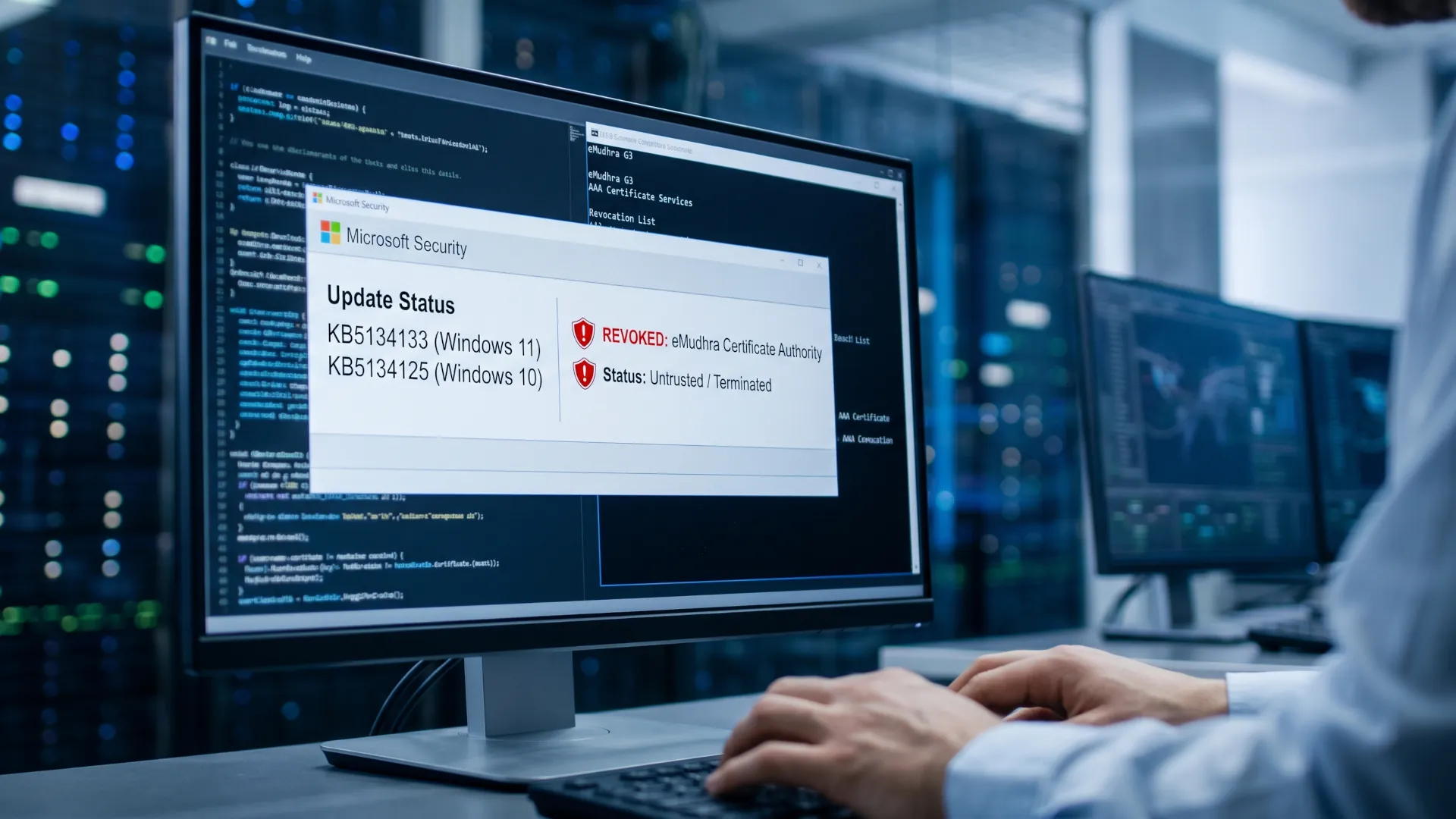
The supply chain is where trust is delegated and then lost from view. In October 2026, eight certificates from the Indian authority eMudhra, issued with private keys that could be brute-forced, ended up off the trust lists of browsers and Windows, a reminder that a vendor's security ends up being yours, as happened with the compromised TLS certificates.
Before signing, ask for written answers to these six questions. They serve to compare vendors on the same footing and to have something to show on the day the service fails and nobody knows who to call.
- Who on the vendor's staff can see the data you are going to hand over, and with what second factor do they log in.
- Where that data is hosted, in which country, and which subprocessors are involved in the service.
- How many hours it takes to notify you of a breach affecting your information, and who handles communication.
- How often it tests its backups and how long it takes to restore the service.
- What happens the day you leave: in what format your data comes out and how long it takes.
- What certifications it holds and whether they are current, knowing that an ISO 27001 reduces the doubt but does not eliminate it.
The typical mistake is signing based on the marketing page and putting neither the notification deadline nor the list of subprocessors in writing. There is another, quieter one: nobody records who the tool's administrator is, so on the day you cancel, three accounts are still logging in and nobody knows who to claim against.
Response plan, who calls whom and in what order
An SME response plan fits on two sheets of paper and needs no consultancy. It must name who decides to shut down systems, who talks to customers, who calls the bank and who calls the insurer, with phone numbers that work without relying on corporate email. It includes INCIBE's 017 line for ongoing incidents and the channels for notifying the data protection authority when personal information is affected.
The best way to build it is a two-hour meeting with management and the person who handles IT, followed by one drill a year. There are crisis management and notification templates that save you half an afternoon. The silent trap is keeping the plan in a document on the server that ransomware has just encrypted. Print it, leave it in two physical locations and check the phone numbers every six months.
Training that works is short and repeated, not annual and solemn. Fifteen minutes a quarter on three real scenarios (the invoice that changes account number, the access notification that arrives when nobody has logged in, and the password reused across five services) teach more than a three-hour course. The goal is for staff to recognize the pattern when they see it, not to pass a test.
Phishing simulations work if they are designed for learning and not for pointing fingers. A button to report suspicious emails, a ranking kept internal and no public humiliation all work; ridiculing whoever clicks achieves the opposite of what it seeks, because people stop reporting mistakes. Nothing does more damage than the simulation that ends with a "you fell for it" screen and no follow-up explanation, because it turns the most careful employee into the quietest one.
Priorities according to what you can spend
The order matters more than the catalog. This table divides the nine layers into three investment levels and clarifies what is left for the next phase, because almost no SME can pay for everything in the first year. Start with the level you can sustain for twelve months straight, not the one you can pay for once.
| Budget |
What comes first |
Layers |
What is left for later |
| Low, cost in hours |
Passkeys on email and administration, automatic updates, DMARC at `p=none`, backup on external disk and cloud |
1, 2, 3, 5 |
Centralized logging and network segmentation |
| Medium, monthly fee |
Antivirus with console, immutable backup, MFA on all access, separate guest wifi, annual drill |
4, 6, 9 |
Formal vendor review |
| High, annual project |
Quarterly tested restoration, DMARC at `p=reject`, response plan with drill, questionnaire for each vendor |
7 and 8, with more depth on 3 and 6 |
Nothing, it is about maintaining and auditing |
The goal nobody watches
The asymmetry is the underlying reason. An attacker automates the same email against ten thousand companies and only needs one person to click the link, while defense requires that same person to get it right every day. The SME matters not for its size but for its position: it is often the entry point to the large client that does have a security budget and contracts that demand guarantees from the entire chain.
The nine layers are not a product you buy all at once. They form a calendar of decisions reviewed every quarter, with a question as a thermometer: how long would it take you to start billing again if the server disappeared tomorrow. The honest answer to that question is worth more than any threat report.