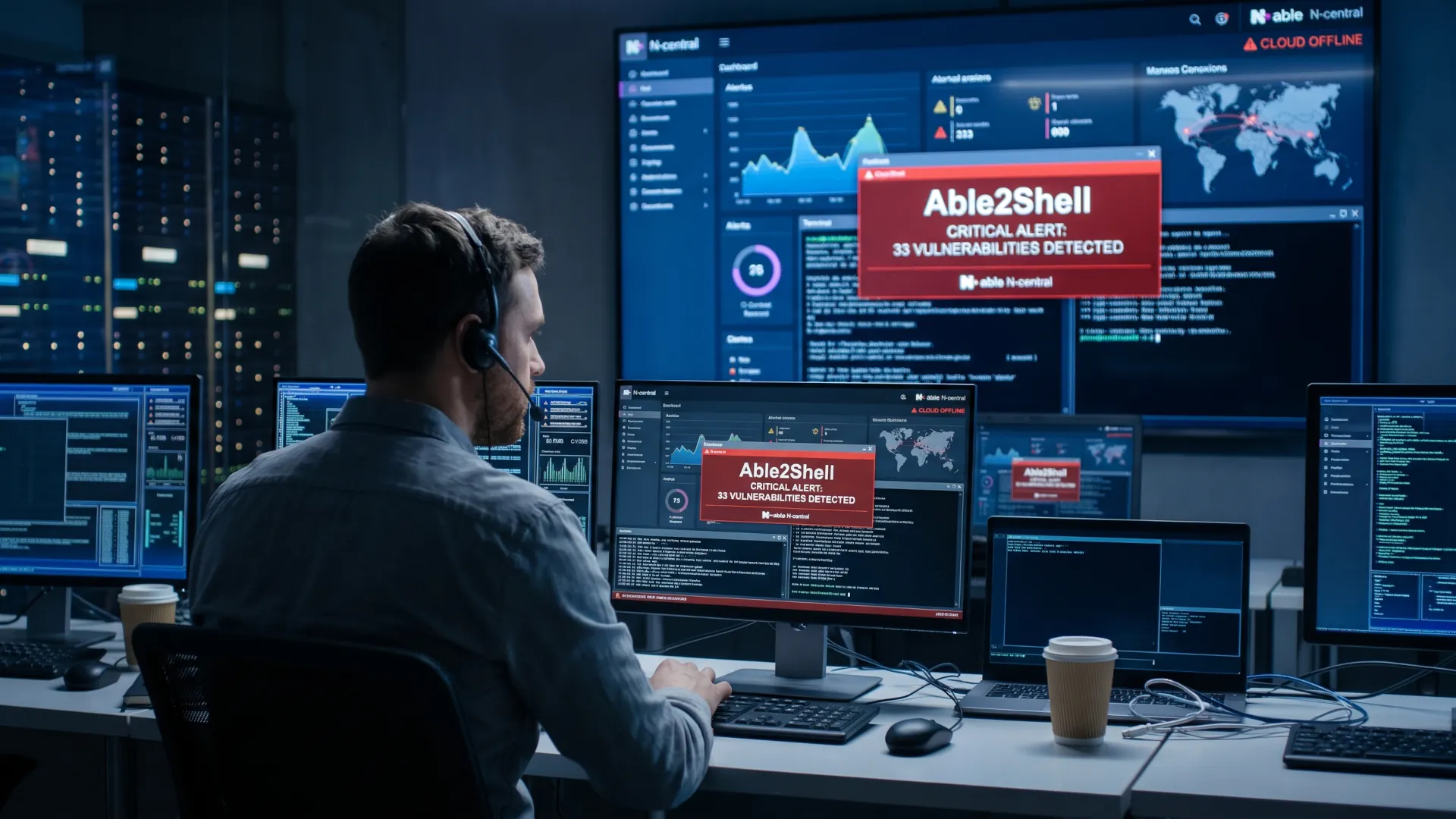
WordPress has a flaw that only exists while it is updating. The United States Cybersecurity Agency added it on November 3 to its catalog of exploited vulnerabilities and gave federal agencies until November 6 to apply the fix, a three-day deadline it reserves for cases where there is evidence of ongoing attacks. Outside that official schedule, any installation still without the patch remains exposed to the same technique.
The flaw is logged as WordPress CVE-2026-119977,has a score of 8.1 out of 10 and affects core versions 4.7 through 7.1.3 and the branches the project still maintains. The cause is a time-of-check-to-time-of-use race condition, documented by MITRE as CWE-367,which is triggered when WordPress installs a full package update and decompresses files, including the installer, into a predictable path inside the uploads folder.
Any site that has updated the core in recent months has opened that window at least once, so the useful question is no longer whether the flaw affects you, but whether someone used it while it was open.
What exactly fails in the update?
A full core update does not overwrite files one by one. WordPress downloads the package, decompresses it into a temporary directory under `wp-content/upgrade`, and from there moves the files to their final location. That directory is named with a predictable pattern, so anyone who knows the site's version can construct the path and request it over HTTP while the update is in progress.
The race condition appears in that interval. The process checks that the path is free, decompresses and moves, and between the check and the use there is a window in which the installer is accessible at a known location. An attacker who arrives at that moment executes code without ever having authenticated, because the installer is served like just another file on the site.
What matters for the administrator is that no password flaw or compromised account is needed. It is enough to reach the right URL at the right second, and that second is the one an automated scan may have been waiting for for weeks. The analysis by PCrisk details that the exploitation leaves no failed login attempt in the logs, because technically there was none.
An attack like this does not look like the ones in the movies. There is no password spraying or exploitation of a form, just a normal HTTP request that the server handles without suspicion, and that normality is what makes it so hard to detect afterwards.
The window matters more than the version
The length of the interval depends on server speed and package size, two variables that fluctuate a great deal in shared hosting. On a machine with little memory and a slow disk, the process of decompressing and moving can take seconds or minutes, and every extra second widens the exposure.
There is an aggravating factor that is not mentioned in the advisory. Many sites do not update the core from the dashboard, but from a scheduled task or from a hosting panel that runs the update in bulk across dozens of installations. In that scenario the window does not open once: it opens on every site, at the same time and with the same pattern, which turns an opportunistic flaw into a predictable calendar.
Predictability is the part that should worry a shared hosting provider most. An attacker who knows the deployment time does not need to scan the entire internet; it is enough to watch the servers already identified and wait for the moment.
The recommendation to update still stands and does not change, because the alternative is living with all the flaws the patch does close. What changes is the reading afterwards, since an updated site is not automatically a clean site and the window may have opened without leaving a visible trace in the dashboard.
What you should check
The check starts with the version, and in this case the correct version is the one the project published as a patch after the CISA advisory. If the site is below 7.1.3, the update is urgent in itself. The three-day timetable reported by the CISA tracking applies to federal agencies and serves as an urgency reference for everyone else.
Then you have to look at what the update does not erase. The `wp-content/upgrade` directory should be empty when no update is in progress, and a file with an installer name still there days later deserves a review. It is also worth checking the server access logs for requests to that path, because a failed attempt leaves the same trace as one that succeeded.
The window is short and that is misleading. An administrator looking for attacks spanning hours will see little, whereas an automated scan that has been probing the same path every minute for weeks accumulates hundreds of requests in the log with no one reading them, and that is where the evidence needed to know whether there was luck lies.
Don't forget the plugins
Another useful check is users and plugins. An attacker who executed code during the window may have created a new administrator, modified a file in the active theme or installed a plugin from its own URL. Comparing the list of administrators with the one from a month ago and checking the modification date of the theme files detects most of those moves without the need for forensic tools.
If the site cannot be updated today, there are two measures that reduce exposure without touching the code. The first is to block public access to the uploads directory and the installer through server configuration, with a rule that returns a 403 to any request pointing to that path. The second is to disable automatic core updates and run them in a window with the site in maintenance mode, so the window no longer coincides with traffic.
Neither of the two is a patch and they do not replace the update. They serve for the interval in which the site still cannot be updated and for sites with old versions that no longer receive support, which are far more numerous than the industry admits.
The patch does not close the door that was already opened
The lesson of this CVE runs against the intuition the sector has repeated for years. Updating the core remains the first security measure for a WordPress site and yet, in this case, the main action was also the one that opened the vulnerability, a pattern that already appeared in the analysis of the CVEs the kernel cannot fix on a weekly patch scale.
That forces a change to the checklist. Instead of asking only about the installed version, an administrator should be able to answer when it was last updated, whether the upgrade directory was left clean afterwards and whether anyone requested those paths during the process. All three answers are in the server's own logs and almost no one looks at them.
Anyone who wants the full context of what happened that week in PHP, with the validation bug that allowed code to be executed before the application started, will find it in the piece on PHP2Shell. The methodology for organizing all of this appears in the guide on how to read a CVE if it affects you, and the update window pattern will return in every notice that involves a deployment process.