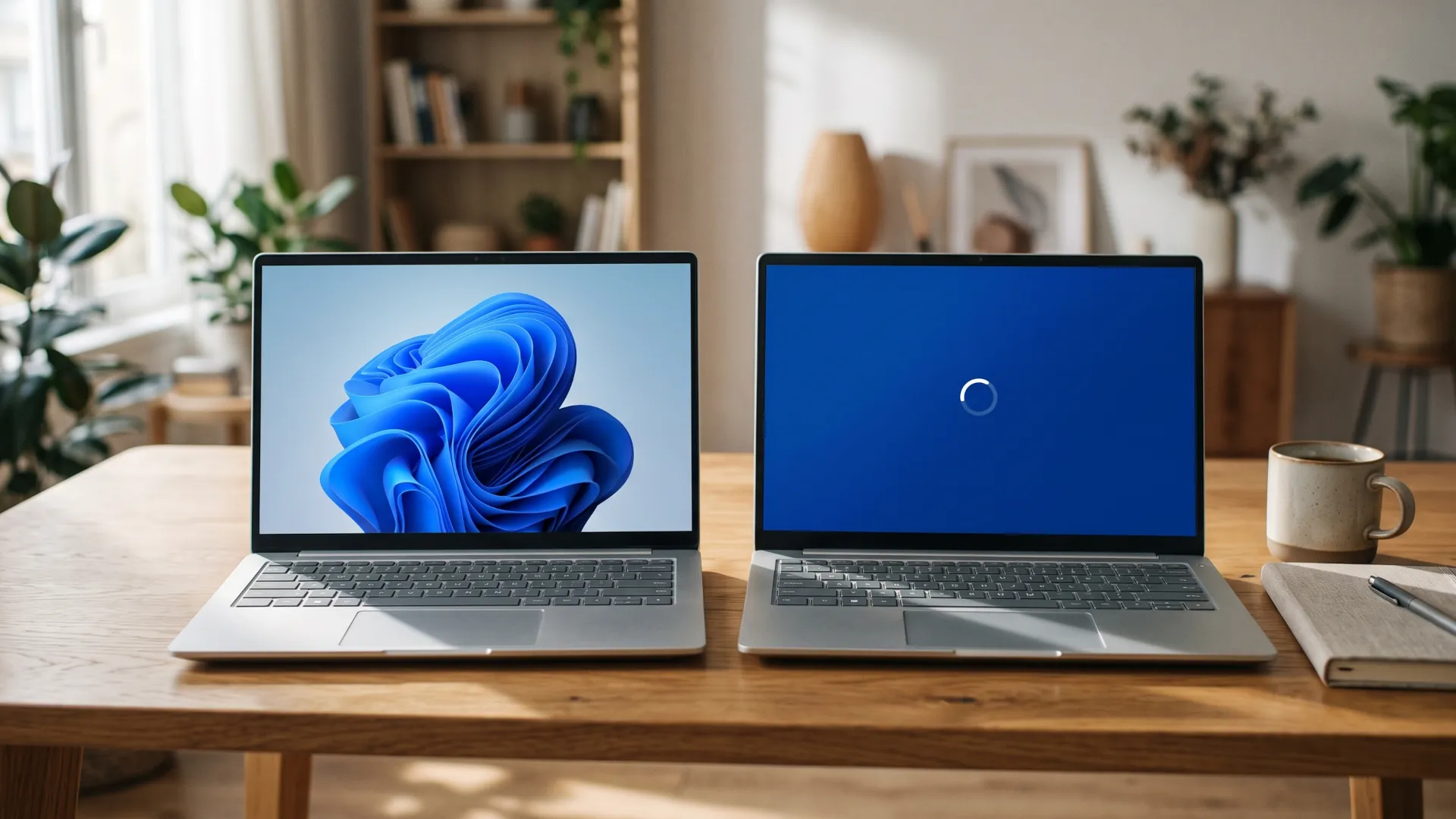
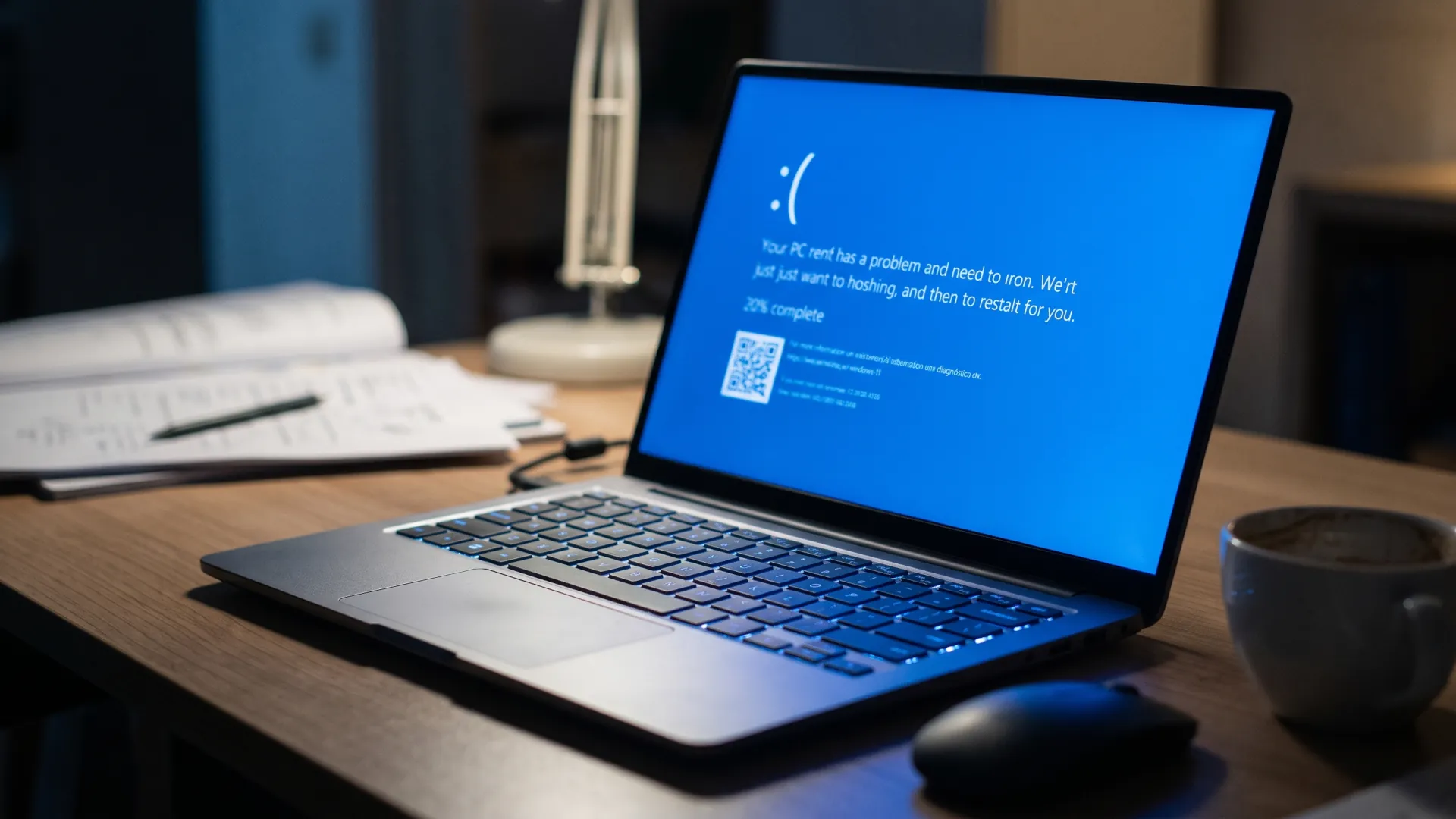
Eight security switches have been scattered across Windows 11 for years, and none of them answers the question that really matters: whether this particular machine is protected or not. Since November 17 there has been a single answer, baseline protection, which debuts in preview for the Windows Insider program and which Microsoft expects to bring to general availability in 2027, according to the baseline protection announcement published during Ignite 2026.
The feature reads the protections Windows already ships at boot, evaluates them as a whole and returns a yes or a no. That result can be checked by the machine's owner in Settings, by a company administrator in Intune and, above all, by an application. And here is the nuance the easy headline skips: Microsoft does not block anything. The platform reports the status and the developer decides what to do with the data, from ignoring it to preventing their program from opening on that PC.
That is why the launch matters more than a settings checkbox suggests. For years, every application has solved the problem on its own: a bank checked for a security processor, a video game looked at driver signatures and an exam tool verified secure boot. Baseline protection replaces that handcrafted work with a single versioned data point, and in doing so it moves the definition of what a secure PC is into the operating system. The open question is who sets the bar and how much room the user keeps to lower it.
The eight checkboxes read at a glance
The first requirement is hardware. The security processor, the chip that stores keys and measures the boot process, must be active and available, because it produces the measurements Windows uses to calculate the result. The other seven criteria rest on that base.
| Criterion |
What it checks |
| Security processor (TPM) |
That dedicated hardware protects sensitive data and measures the boot process |
| Secure Boot |
That nothing malicious loads before the system itself |
| Virtualization-based security (VBS) |
That a hardware-isolated environment protects critical processes |
| Memory integrity (HVCI) |
That no code runs in protected areas of the system |
| Signed and certified drivers |
Two of the eight criteria: Microsoft signature and hardware certification |
| Kernel debugger and vulnerable drivers |
The other two: neither tools that bypass protections nor drivers with known flaws |
The list includes nothing new. All those protections exist today in Windows 11 and can be enabled one by one; what is new is that they are now evaluated together and that the result is a single one. A machine reports true when it meets all eight criteria and false in any other case, and the calculation is done by the platform using measurements from the security chip, not by a third-party application that trusts what it is told.
The moment of calculation also has consequences. Windows checks the status at boot and each requirement holds from that instant, so disabling any of them requires a restart. That rigidity avoids the awkward scenario of an answer that changes mid-session and, at the same time, turns every adjustment into a decision that costs a restart and a work interruption.
What can an app do with that yes or that no?
The application does not receive a diagnosis, it receives three ways to ask. The first is a yes or a no. The second adds the list of what is missing, so the user knows what to fix instead of being left with an opaque warning. The third is a hardware-backed attestation token, designed for those who need a cryptographic proof that can be validated on a server and not a local answer that anyone could fake.
With that answer in hand, the developer chooses. Microsoft lists the options in its note and none is mandatory, from letting the program through to refusing to launch it, including a warning or cutting a specific feature.
The partners who have spoken about the project present it as a way to stop building their own checks. Adobe argues that the signal will help it detect counterfeit and malicious software sooner; Battle.net talks about raising the bar without adding friction for players; 1Password, Raycast and the exam tool Schoolyear appear on the same list. None has announced that it will deny launch to a failing PC, and it is worth remembering that because the headline of the day invites the opposite.
The floor Microsoft promises to raise
Baseline protection ships with a version, and that detail makes the plan understandable. Microsoft describes this release as the floor and announces that the bar will rise when the threat landscape changes, with the same signal working for everyone who depends on it.
For the administrator, the result is managed from three places that already exist. The Microsoft 365 admin center has a baseline security mode; Intune lets compliance become an access condition and shows which criterion fails on each machine; third-party tools can read the same thing. The practical difference is in the report: instead of a spreadsheet with scattered settings, a per-device status and a list of actions appear.
The other half of the plan was presented on February 9, 2026, when Microsoft described the baseline security mode and a transparency and consent system for applications, both within the Secure Future Initiative.
That announcement spoke of allowing only properly signed applications, services and drivers, and of warning the user when a program touches sensitive resources. Baseline protection is the first piece of all that can be touched, and the one that arrived earlier than that text hinted.
The home laptop also counts
On a personal machine the result appears on a new Security page within Settings, with a button that enables what Windows can enable without a restart. If the change requires touching the firmware, the system guides the process through UEFI.
That is where the matter stops being theoretical. Many of the machines that fail the test are neither compromised nor abandoned: they have spent years with memory integrity disabled because someone turned it off to play games. Turning it back on means a restart, and whoever turned it off to play games has to decide whether the change is worth it now that an application can refuse to launch.
Windows' calendar does not invite a calm look at this either. Version 26H2 has accumulated a week of failures and half-finished patches, and November's Patch Tuesday brought 1,094 Microsoft fixes and a zero-day exploited in Outlook.
The review of that week measures the load an IT team carries. The November bulletin's reminder is that the Outlook flaw was already being exploited and that CISA set a federal deadline of November 24.
What remains to be seen before 2027
General availability is planned for 2027 and, until then, the direction depends on two decisions Microsoft has not yet made in public. The first is which protections enter the next version of the bar and whether any will force older hardware to be replaced. The second is whether any major partner dares to actually block, because the day a large application closes the door on a PC without memory integrity, the debate will stop being about programming interfaces and become about money.
Meanwhile, the user has a simple way to know where they stand: open Settings, find the new page and count the missing checkboxes. The developer has another: stop maintaining their own checks and read a data point that already comes signed by the system. And the administrator keeps the usual one, which is deciding what to do with that information before someone with less haste uses it.