Every official Kali image comes from a script the distribution keeps public on GitLab, and until this week that script recommended building Kali from Kali, with the chicken-and-egg problem that entails. The circle is broken in the third release of 2026: Kali Linux 2026.3 arrived this Monday, October 26, with 126 updated packages, the kernel moving from 6.19 to 7.1.5 and a wrapper that detects whether you have Docker or Podman and builds inside a container. It is the release with the fewest flashy headlines of the year and the one that changes how the distribution is produced the most.
That wrapper is called build-in-container.sh and accompanies each of the already renewed build scripts. The distribution acknowledges it did not have time to refresh them all and that some continuous integration workflows have broken along the way, with 2026.4 as the date to finish the job. On the desktop, the optional KDE Plasma moves up to 6.7 and debuts per-screen virtual desktops, while Xfce 4.20 remains the environment that ships by default.
The tools new to the repositories number six, and none of them on its own changes a red team's trade. What does change is that you can now spin up an ISO identical to the official one without installing build dependencies on your laptop.
From handmade ISO to reproducible chain
The build scripts had long been the poor relation of the documentation. They are the same ones that generate every image that appears on the downloads page, and as of this release they share functions, command-line arguments, structure and even appearance across platforms. Building your own image stops being an exercise in archaeology and becomes a task of minutes with declared dependencies.
The example the project publishes is that of the installer. You clone the kali-installer repository, install the build dependencies listed in its README and run build.sh with administrator permissions. By default it produces a rolling ISO for AMD64, and the arguments let you change the hostname, add packages, or choose another branch, variant and architecture, as in `–branch kali-dev –variant netinst –arch arm64`.
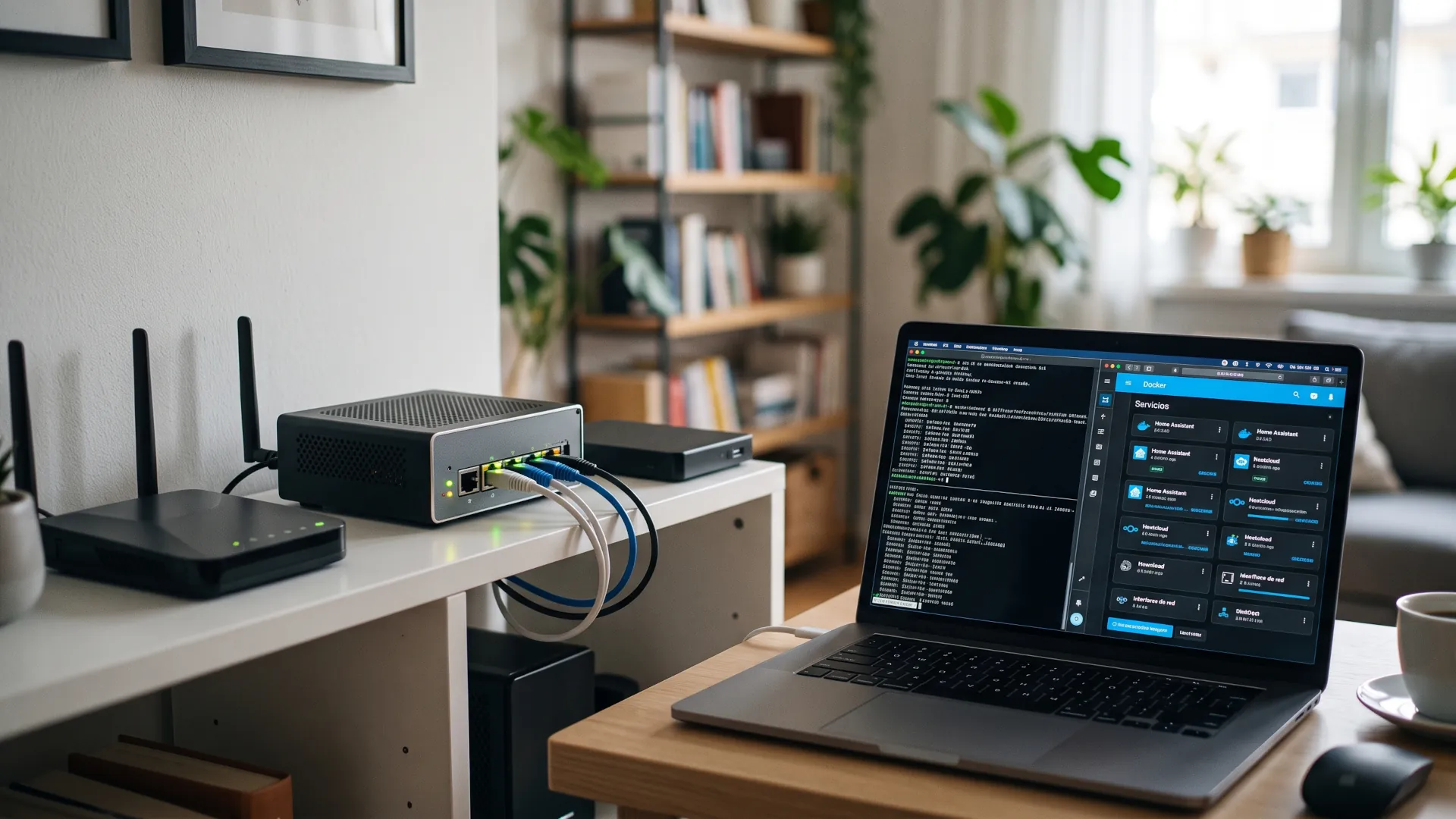
The container part is what really changes the calculus for a team in a hurry. Each renewed script comes with its own build-in-container.sh, which detects the available engine, creates the build image and launches the job inside it, so that dependencies do not pollute the host. All the code remains in the public build-scripts repository, which is the same one the project uses for its images.
| Engine |
What it requires |
Known limitation |
| Docker |
user in the docker group or administrator permissions |
rootless mode is untested |
| Podman |
rootful, invoked as administrator |
rootless mode is not supported |
| Both installed |
build-in-container.sh chooses Podman |
CONTAINER=docker forces the other |
Plasma 6.7 and the desktop that is not the default one
KDE Plasma moves up to version 6.7 in Kali, although Xfce 4.20 remains the environment installed by default. The most noticeable novelty in a long work session is the per-screen virtual desktop: you can switch the workspace of the monitor where you have Burp without moving the one holding the terminals and the documentation.
The Overview lets you jump between those desktops without going monitor by monitor, and support for Wayland protocols and portals keeps growing, a detail that matters when you chain screenshots and paste commands between applications. There are also power optimizations for integrated Intel graphics and for sessions with many full-screen windows, duplicable network connections and tweaks to the system monitor.
It is worth noting that much of these changes come from KDE and not from Kali, which here only packages them. What is specific to the distribution is the icon layer: icons have been added to tools that had none and the old ones have been redrawn so that a menu with hundreds of utilities stops looking like a list of identical names.
Six new tools entering the repositories
The catalog grows with reconnaissance utilities that until now were installed by hand, and the announcement presents them without hierarchy or order of importance. The full list of what has been added in this release is as follows:
- dalfox, an XSS scanner geared toward automation
- katana, a web crawling and scraping framework
- qsreplace, which rewrites the query string values of the URLs it receives
- rustscan, a port scanner written in Rust
- sdrangel, a Qt front end for software-defined radio
- snaffler-ng, a finder of credentials and sensitive data in SMB shares
None of the six is a recent discovery: rustscan and dalfox were already distributed on their own before entering the Kali repositories. The value lies in signed packaging and in updating alongside the rest of the system, which saves the ritual of downloading binaries from a third-party repository and manually checking checksums every few months. If your specialty lies elsewhere, in five cybersecurity tools on Linux worth mastering there is a review of what an audit demands.
For a red team the order of usefulness depends on the engagement. snaffler-ng and katana weigh heavily in reconnaissance of Active Directory or a large web application, while sdrangel only makes sense if the work touches radio frequency. rustscan shortens the initial port sweep from minutes to seconds, and that is welcome in a testing window with a clock running.
None of it covers what a patch closes, such as the critical php2shell RCE that forced an update of servers with exposed PHP: the tool opens the way and system maintenance closes it.
NetHunter raises its wrist and debuts kernels
The mobile side of the project takes the most eye-catching news of the whole release. Wardriving, that practice of searching for wireless networks while on the move, now works from a TicWatch Pro 3, and not through a workaround: the libnexmonkali library was updated so that the watch's internal monitor mode feeds tools in the watch's Linux environment, such as aircrack-ng or kismet, with its own installation guide on the watch.
The rest of the package includes WearHunter, an experiment to control the watch from the phone via ADB over Wi-Fi or Bluetooth, NFC access to the terminal's Linux environment that allows reading, cloning and editing classic Mifare cards without an external adapter, and KernelSU support. The nine new kernels cover everything from a Pixel with LineageOS 22.2 to a Sony Xperia 10 V, with stops at a Huawei P9, a Moto G Stylus 5G and a Ulefone Armor 34+.
Incompatibilities between modern systemd and udev and old kernels that previously required their own patches are also resolved. On a 2019 terminal running NetHunter, that fix matters precisely when you are out on the street and cannot go back to the laptop to recompile anything.
Four European mirrors and a kernel you have to test
Kali Linux 2026.3 closes the cycle with four new mirrors and all four are in Europe: two in the Netherlands, one in Portugal and another in Switzerland. For anyone testing from Madrid or Lisbon, the difference is measured in minutes when downloading an ISO of almost five gigabytes, not in milliseconds of latency.
The jump from 6.19 to 7.1.5 is the change with the most silent consequences of the whole release. A new kernel brings support for recent hardware and security patches, but it can also leave out third-party modules, and this is a distribution used in the field with external Wi-Fi adapters. Test your adapter and your injection tools in a virtual machine before the first mission.
What 2026.4 will have to finish
There is work left half done and the announcement says so without embellishment. Not all build scripts are renewed, the next milestone is automating builds and after that will come examples of different configurations and customizations. If your team depends on its own image, read the README before touching the pipeline: the arguments have changed place and form in more than one script.
You can update with a normal full-upgrade and check the result with grep VERSION on /etc/os-release. What really moves the trade is not Plasma or the list of tools, it is that you can build the same image you download without having Kali installed, with dependencies isolated and inside a container, instead of trusting the artifact someone generated on their desktop on Tuesday.