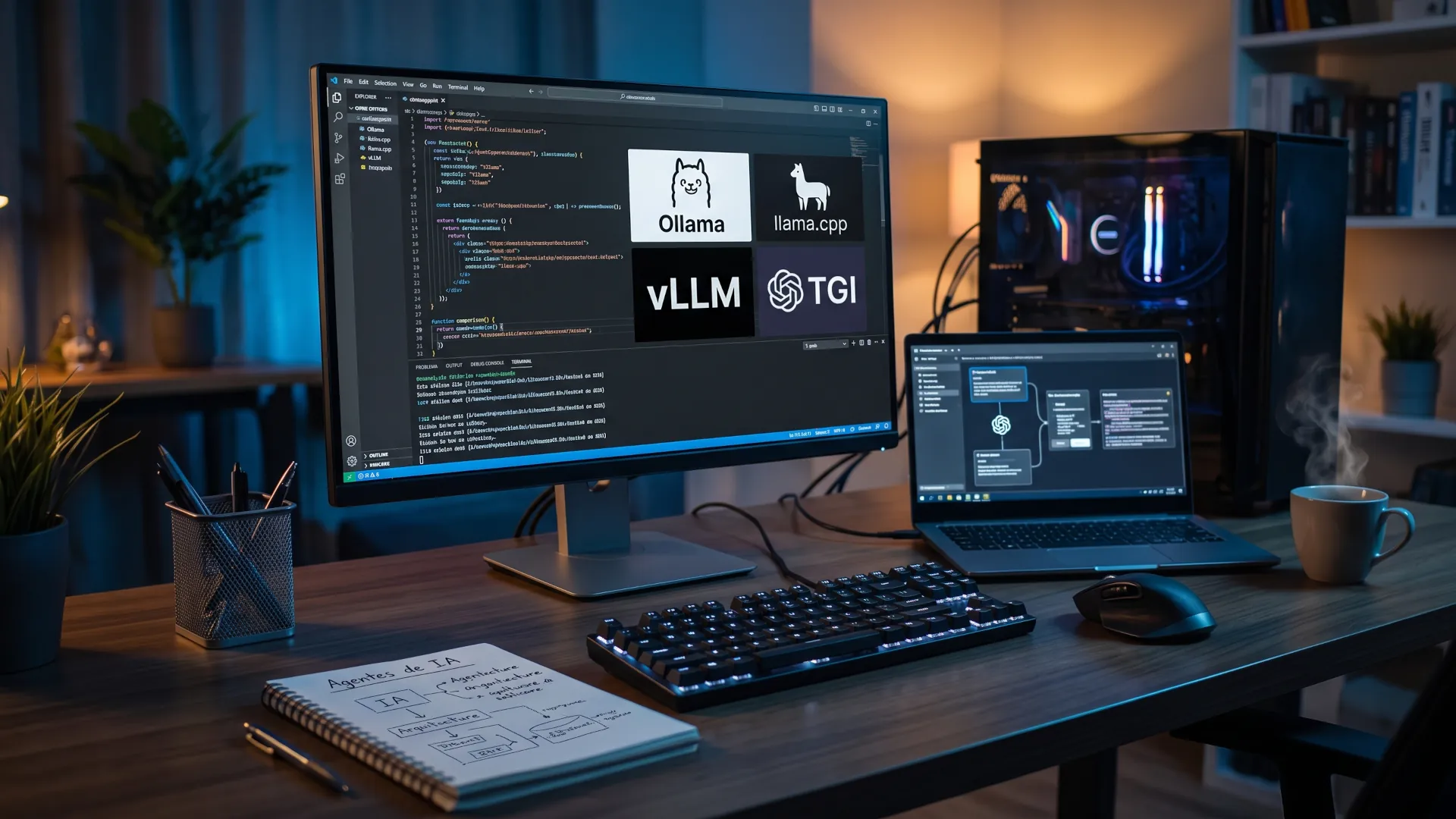
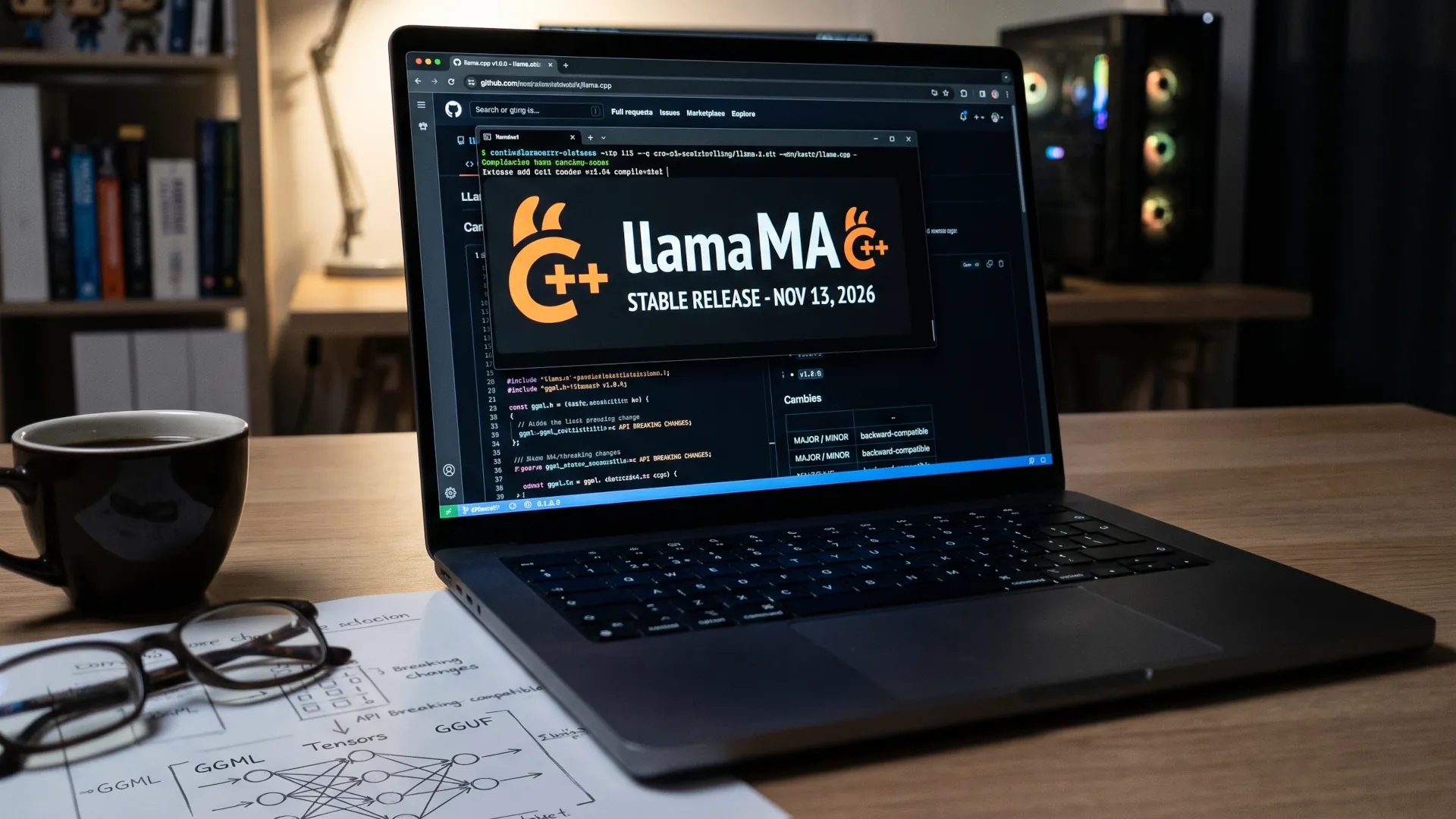
There is a decision almost nobody explains when someone considers running a language model on their own machine: the engine matters more than the model. Microsoft gave an example of this recently, when it added experimental llama.cpp support to Windows ML, the layer Windows uses to run models on CPU, GPU and NPU, according to the Microsoft Foundry blog. That invisible piece is no longer a matter for Linux enthusiasts, and Microsoft's move redefines which models are more widely accepted than others.
And the ecosystem is moving in several directions at once. Ollama, for example, made MLX the default engine on Macs with Apple Silicon with its 0.40 branch, published as a preview version in late September 2026, according to its release notes. vLLM keeps up a frantic release pace on its own path, Hugging Face retired its own engine, and NVIDIA offers optimized solutions for vLLM and llama.cpp.
That is why you need to be clear about which AI engine you are going to use before comparing anything, because it changes the answer and that can mean the death of a project. Take TGI, a project that has been in maintenance mode since December 11, 2025, and whose repository was archived as read-only on March 21, 2026. So it is clear: choosing an AI engine today means choosing between three living options and a fourth that only makes sense if you already have it in production, although you had better start thinking about migration. And that last part is not easy, and depending on your needs, it is not cheap either.
Why are AI engines not interchangeable?
An inference engine is the piece that loads the model weights, places them in available memory and runs the loop that generates text token by token. The model is the content; the engine decides how fast it comes out and how much memory it consumes. Two programs that open the same file can behave very differently.
Asking about Ollama versus vLLM without saying what you will use it for is badly framed, because they occupy different layers. llama.cpp does the heavy lifting, Ollama is a convenient wrapper on top of it and vLLM is a server designed to serve many people at once. What unites them is a de facto convention: almost all of them expose an OpenAI-compatible API, so you can switch engines without rewriting your application.
llama.cpp, the engine that underpins the others
llama.cpp was born in March 2023 at the hands of Georgi Gerganov and today is the foundation most local tools rely on. It is written in C and C++ with no external dependencies, is distributed under the MIT license and runs quantized models in GGUF format, the standard used by much of the community.
It covers Apple Silicon via Metal, NVIDIA via CUDA, AMD via ROCm, Intel via SYCL and the rest via Vulkan, OpenCL or plain CPU. Its server, llama-server, exposes an OpenAI-compatible API for chat, responses and embeddings, with continuous batching, function calling and speculative decoding.
llama.cpp is not just an internal piece: its latest versions download the model from Hugging Face and start the server with a single command, without compiling anything by hand, and that brings it closer to people who would never open a terminal.
Ollama, the gateway with two engines
Ollama is today the fastest way to have a model responding locally. It is a binary written in Go, under the MIT license, that wraps llama.cpp on Windows and Linux and uses MLX, Apple's framework, on Macs with Apple Silicon. Since the 0.40 branch, MLX is the default engine for the architectures that support it; the rest still run on llama.cpp.
On top of that, Ollama adds a catalog with one-command downloads, GPU detection, Modelfile files and a server on port 11434 with the OpenAI API at /v1. If you already have code written against that API, you just need to change the base address.
Its limits appear with concurrency: simultaneous requests per model are set with OLLAMA_NUM_PARALLEL and each one multiplies the context to reserve, so 2,000 tokens with four requests take up about 8,000. With ten users at once, the memory bill skyrockets and the wrapper stops being convenient.
vLLM, the engine for many users at once
vLLM is a Python library born in 2023 with an academic paper on PagedAttention, which manages the key and value cache like an operating system's virtual memory. That work, presented at the SOSP 2023 symposium, put the improvement at 2 to 4 times more throughput at the same latency.
Instead of over-reserving memory per request, it distributes it in blocks and reuses what has been computed, with continuous batching, prefill chunking and prefix caching by default. It covers speculative decoding and almost all the quantizations in circulation, from FP8 and NVFP4 to INT4, GPTQ and AWQ, and supports multiple LoRA adapters in the same process.
Many guides repeat that vLLM requires an NVIDIA GPU, which was reasonable two years ago. Its current documentation lists CUDA, AMD with ROCm, Intel XPU, Google TPU, Apple Silicon and CPU, although most of the community deploys it on NVIDIA cards. That development speed is its biggest draw and also its biggest drawback: updating in production means reading the notes for every release.
TGI, the engine you should no longer choose
Text Generation Inference was Hugging Face's engine and for years the reference option for serving open models. It popularized much of what we now take for granted: continuous batching, paged attention and GPTQ quantization passed through its code first. Its architecture, in Rust and Python, came with Prometheus metrics and OpenTelemetry traces ready to go.
The code is still available: what has stopped is its development. Hugging Face announced maintenance mode on December 11, 2025, archived the repository on March 21, 2026 and now recommends vLLM and SGLang for servers, and llama.cpp or MLX for desktop. If you already have it in production, it will keep working, but without new features or support for newly published architectures.
Which engine fits each case?
The table summarizes the documented capabilities of each engine and its natural territory. No performance figure should be taken as a promise, because the same engine changes with quantization, context and card.
| Engine |
License |
Formats |
Concurrency |
Natural territory |
| llama.cpp |
MIT |
GGUF |
Continuous batching |
Maximum control and unusual hardware |
| Ollama |
MIT |
GGUF and MLX |
Parallel per model, limited by memory |
Personal use and prototypes |
| vLLM |
Apache 2.0 |
Safetensors, GPTQ, AWQ, FP8 and FP4 |
Continuous batching at scale |
Serving many users |
| TGI |
Apache 2.0 |
Safetensors, GPTQ and AWQ |
Continuous batching |
Existing deployments only |
To decide, look at your constraints first. If the model just fits in your card's memory, Ollama's wrapper can be the difference between starting or not; if you have memory to spare and want per-request speed, llama.cpp with the right settings gives you headroom.
- Server with ten or more users at once: vLLM.
- Desktop with a modest GPU: Ollama to start and llama.cpp when things get tight.
- CPU without a dedicated graphics card or unusual hardware: llama.cpp compiles on almost everything.
- Recent Mac laptop: Ollama on MLX, already the default path.
A rule that saves grief: do not choose an engine by what its website promises, but by the memory you have to spare, because the model that fits comfortably performs better than the one scraping the limit.
Where does llama.cpp fit in Windows ML?
Microsoft's move deserves its own section because it changes the audience. The Windows ML Text Generation API accepts models in GGUF and ONNX and picks the engine on its own: llama.cpp when the file is GGUF, ONNX Runtime when it is not. For a developer, that means downloading a model from Hugging Face and running it in a Windows application without compiling anything: the API handles tokenization, streaming and cancellation.
The limits are written in the documentation itself and they are not minor. The integration is experimental, it is not supported in production or for publishing to the Store, and the only backends validated for GGUF are CPU and NVIDIA CUDA: the NPUs in Copilot+ PCs are left out.
The API also does not yet expose temperature, top-p or top-k, and only supports greedy decoding. You cannot adjust the creativity of the response from that route, although llama.cpp on its own does allow it.
Microsoft has also contributed to llama.cpp with CUDA kernel optimization, kernel fusion and multi-GPU support. Shortly afterwards, on October 13, Hugging Face presented Llama Windows, a tray application that starts a llama.cpp server with an OpenAI-compatible API on port 9931.
The engine stops being an expert decision
For years, choosing an engine was a conversation for engineers with free time. The fact that Windows ML has chosen llama.cpp for GGUF, that Ollama uses MLX by default on Macs and that vLLM pushes to serve more people all point in the same direction: the engine becomes a piece the system chooses. If it becomes invisible, competition will shift to the format of the weights and to the agents that call the model. TGI is the uncomfortable reminder: a project can be excellent and be left without maintenance while its community moves on.